
Papello Logo
Contact usLoginSign up for free
Products
All ProductsBest SellersNewWall ArtMetallic Foil PrintsStationeryHome & Living
Start Selling
Custom Poster PrintingCustom Framed PostersCustom MugsCustom Metallic Foil PrintsCustom Wrapping PaperCustom NotebooksCustom Greetings CardsCustom Spiral NotebooksCustom Softback NotebooksCustom Weekly Desk Planners
Tools & Apps
Integrations
EtsyShopifyWooCommerceSquarespaceAPI Integration
Tools
Mockup GeneratorCSV ImporterSimple OrderingListing Creator
Guides
For Different Users
For BeginnersFor BrandsFor CreatorsFor ArtistsFor EventsFor Small BusinessesFor Etsy Sellers
Getting Started
How to Start POD BusinessHow to Design for PODBest POD Products to Sell
Business Guides
POD Pricing GuideMarketing StrategiesCommon Mistakes
Comparisons
POD vs DropshippingPOD vs Traditional PrintingBest POD Companies UK
UK Specific
Best POD Companies UKFastest POD UKPOD Tax UK
Special Topics
Eco-Friendly PODWhite Label PODPOD Branding
POD Gifts
Corporate GiftsChristmas GiftsValentine's GiftsFather's Day Gifts
Resources
Learn About POD
What is Print on Demand?Print on Demand UKPOD Glossary
Help & Support
Knowledge BaseSample PackAPI DocumentationProduction Status
Company
About PapelloSustainabilityPapello BlogDownload Centre

Products

  • All Products
  • Best Sellers
  • Wall Art
  • Home & Living
  • Stationery
  • Collections

Company

  • About us
  • Blog
  • Sustainability
  • Affiliate Program
  • Print on Demand UK
  • Sellers Login

Print on Demand

  • Print on Demand for Artists
  • Print on Demand
  • Integrations
  • Etsy Print on Demand
  • Shopify Print on Demand
  • WooCommerce Print on Demand
  • Squarespace Print on Demand
  • Print on Demand API
  • CSV Importer
  • Download Centre
  • Simple Ordering
Sign-up

Guides

  • Print on Demand for Beginners
  • How to Start Print on Demand Business
  • How to Design for Print on Demand
  • Print on Demand for Etsy Sellers
  • Print on Demand for Small Businesses
  • Best Print on Demand Companies UK
  • Best Print on Demand Products to Sell
  • Print on Demand Pricing Guide
  • Eco-Friendly Print on Demand

Help

  • Contact
  • Sample Pack
  • Production Status
  • Product Mock-up Generator
  • FAQ / Knowledge base
Terms of UsePrivacy PolicyTerms & Conditions

© 2026 Papello. All rights reserved.

How to design for print on demand guide

How to Design for Print on Demand: Complete Design Guide

Master the art of designing for print on demand. Learn file preparation, sizing, colour management, and design best practices to create products that look professional when printed.
Start Designing TodayDownload Templates
How to design for print on demand guide

Designing for Print on Demand Success

Great design is the foundation of successful print on demand products. Whether you're creating posters, mugs, notebooks, or art prints, understanding how to design for print ensures your products look professional and sell well.

This guide covers everything you need to know about designing for print on demand, from file preparation and sizing to colour management and design best practices. Follow these guidelines to create designs that translate beautifully from screen to print.

File Preparation Basics

Resolution Requirements

High resolution is crucial for print quality:

  • •300 DPI minimum: This is the standard for print quality. Lower resolutions will look pixelated when printed
  • •Calculate dimensions: For a 12x16 inch poster at 300 DPI, your file should be 3600x4800 pixels
  • •Start large: It's easier to scale down than up. Design at the largest size you might need
  • •Vector vs raster: Vector graphics (SVG, AI) scale infinitely. Raster images (PNG, JPEG) need sufficient resolution

File Formats

Choose the right format for your design:

Choose the right format for your design:

  • •PNG: Best for designs with transparency or text. Use PNG-24 for best quality
  • •JPEG: Good for photographs. Use high quality settings (90-100%)
  • •PDF: Excellent for vector graphics and maintaining quality across sizes
  • •TIFF: Highest quality, larger file sizes. Best for professional photography

Download Print Templates

Always use print templates to ensure correct sizing:

  • •Download templates from the download centre for each product type
  • •Templates show the safe area (where your design will print) and bleed area (extra space that gets trimmed)
  • •Design within the safe area to ensure important elements aren't cut off
  • •Create product templates in your Papello dashboard to ensure artwork fits correctly in production

Design Tips for Print on Demand

Keep Text Readable

Text that looks fine on screen may be too small when printed:

  • •Use fonts that are at least 12pt for body text, larger for headings
  • •Avoid very thin or decorative fonts that may not print clearly
  • •Ensure sufficient contrast between text and background
  • •Test readability at the actual print size before finalising

Use High Contrast

High contrast designs print better and are more visually striking:

High contrast designs print better and are more visually striking:

  • •Bold colours and clear contrasts translate well to print
  • •Avoid very subtle gradients that may not print as intended
  • •Test designs using preview tools to see how they'll look when printed

Consider Product Shape

Different products have different print areas:

  • •Mugs have curved surfaces - avoid placing important text near edges
  • •Posters offer large, flat print areas - perfect for detailed designs
  • •Notebooks have covers and pages - consider both surfaces

Account for Bleed

Bleed is the area that gets trimmed off during printing. Extend background colours and images into the bleed area to avoid white edges. Print templates show exactly where the bleed area is for each product.

Colour Management for Print

Color palette and CMYK color swatches for print design

RGB vs CMYK

Understanding colour modes:

  • •RGB: Used for screens. Some POD providers convert automatically
  • •CMYK: Standard for print. More accurate colour representation
  • •Best practice: Design in RGB, but be aware colours may shift slightly in print

Colour Accuracy

Colours may appear slightly different in print:

  • •Screen colours are backlit; print colours are reflected light
  • •Order sample packs to see actual printed colours
  • •Use preview tools to get an idea of how colours will look

Tip: With Papello, you can use preview tools to see how your artwork will look once printed. These previews are set up to the print templates, giving you an accurate representation before production.
Design Tools and Software

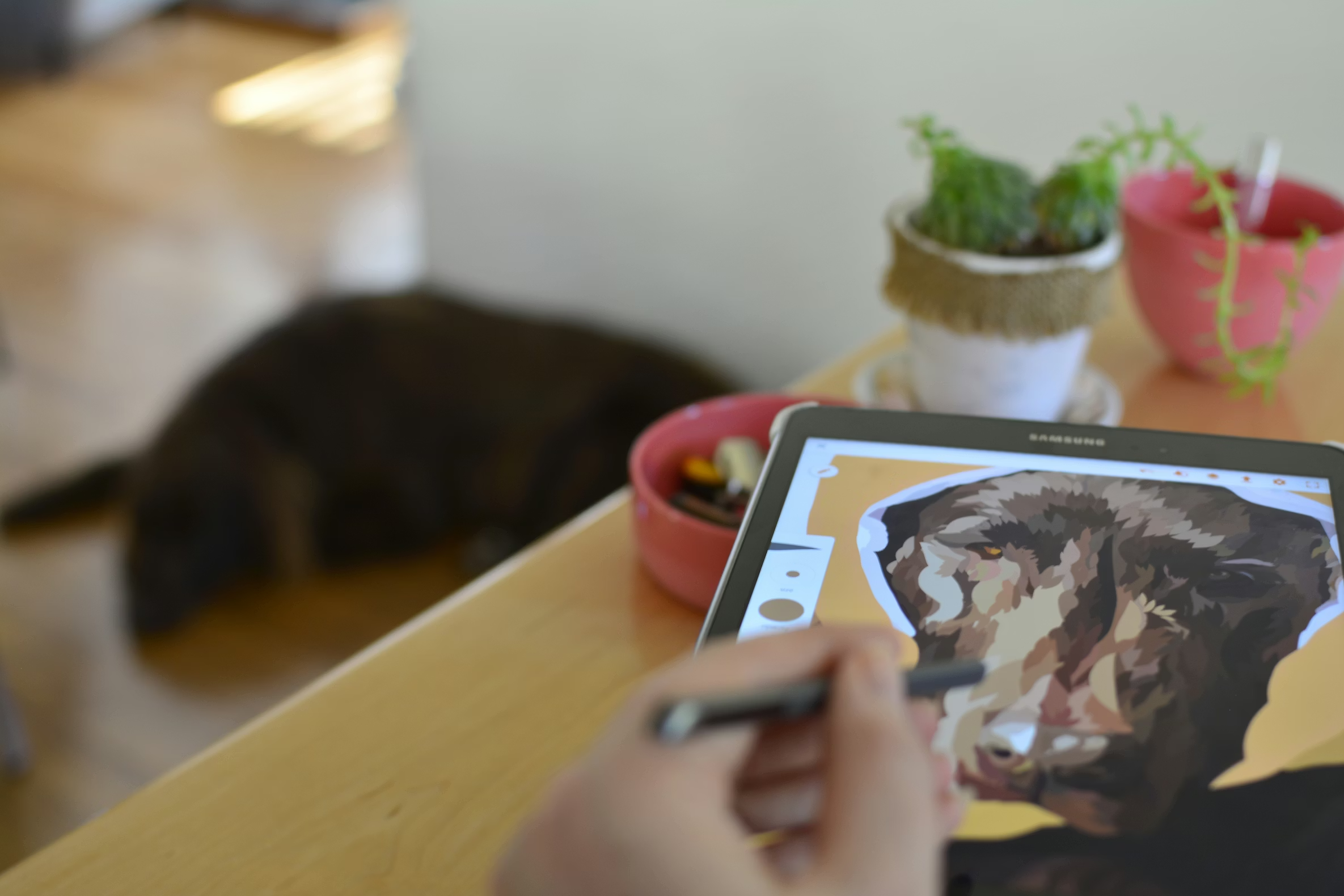
Design tools and software interfaces for creating print on demand products

Professional Design Software

  • •Adobe Illustrator: Best for vector graphics, logos, and scalable designs
  • •Adobe Photoshop: Ideal for photo editing and raster graphics
  • •Adobe InDesign: Great for layouts, especially for notebooks and multi-page products

Free Design Tools

  • •Canva: User-friendly, great for beginners. Offers templates and easy design tools
  • •GIMP: Free alternative to Photoshop with powerful editing capabilities
  • •Inkscape: Free vector graphics editor, alternative to Illustrator

Design Resources

Take advantage of Papello's design resources:

  • •Download print templates from the download centre
  • •Use free premium mockups from MockupKit for product listings
  • •Create product templates in your dashboard to ensure correct sizing
  • •Use preview tools to see how designs will look when printed

Product-Specific Design Tips

Posters and Art Prints

  • •Large print area allows for detailed designs
  • •Consider how designs will look at different sizes
  • •Leave margin space for framing considerations
  • •High resolution is crucial for large prints

Mugs

  • •Curved surface means designs wrap around - account for distortion
  • •Keep important text and elements in the centre area
  • •Use mug-specific templates to see how designs will wrap

Notebooks

  • •Design covers and pages separately
  • •Consider how the design will look when the notebook is closed
  • •Account for binding area that may not be visible

Testing Your Designs

Use Preview Tools

Papello offers preview tools that show you how your artwork will look once printed:

  • •Previews are set up to the print templates, ensuring accuracy
  • •See how colours, sizing, and positioning will appear in print
  • •Make adjustments before going to production

Order Sample Packs

Always order sample packs before listing products:

  • •See actual print quality and colour accuracy
  • •Feel paper textures and product quality
  • •Verify sizing and how designs translate to physical products
  • •Build confidence in your products before selling

Create Product Templates

In your Papello seller dashboard, you can create templates of products (templates of the product print-ready files). These templates ensure that when you assign artwork to an order, it's ready and will fit the product correctly when it's in production. This saves time and prevents sizing errors.

Start Designing for Print on Demand

Access print templates, preview tools, and design resources to create professional print on demand products. Download templates and start designing today.

Create Your Free AccountDownload Templates