
Papello Logo
Contact usLoginSign up for free
Products
All ProductsBest SellersNewWall ArtMetallic Foil PrintsStationeryHome & Living
Start Selling
Custom Poster PrintingCustom Framed PostersCustom MugsCustom Metallic Foil PrintsCustom Wrapping PaperCustom NotebooksCustom Greetings CardsCustom Spiral NotebooksCustom Softback NotebooksCustom Weekly Desk Planners
Tools & Apps
Integrations
EtsyShopifyWooCommerceSquarespaceAPI Integration
Tools
Mockup GeneratorCSV ImporterSimple OrderingListing Creator
Guides
For Different Users
For BeginnersFor BrandsFor CreatorsFor ArtistsFor EventsFor Small BusinessesFor Etsy Sellers
Getting Started
How to Start POD BusinessHow to Design for PODBest POD Products to Sell
Business Guides
POD Pricing GuideMarketing StrategiesCommon Mistakes
Comparisons
POD vs DropshippingPOD vs Traditional PrintingBest POD Companies UK
UK Specific
Best POD Companies UKFastest POD UKPOD Tax UK
Special Topics
Eco-Friendly PODWhite Label PODPOD Branding
POD Gifts
Corporate GiftsChristmas GiftsValentine's GiftsFather's Day Gifts
Resources
Learn About POD
What is Print on Demand?Print on Demand UKPOD Glossary
Help & Support
Knowledge BaseSample PackAPI DocumentationProduction Status
Company
About PapelloSustainabilityPapello BlogDownload Centre

Products

  • All Products
  • Best Sellers
  • Wall Art
  • Home & Living
  • Stationery
  • Collections

Company

  • About us
  • Blog
  • Sustainability
  • Affiliate Program
  • Print on Demand UK
  • Sellers Login

Print on Demand

  • Print on Demand for Artists
  • Print on Demand
  • Integrations
  • Etsy Print on Demand
  • Shopify Print on Demand
  • WooCommerce Print on Demand
  • Squarespace Print on Demand
  • Print on Demand API
  • CSV Importer
  • Download Centre
  • Simple Ordering
Sign-up

Guides

  • Print on Demand for Beginners
  • How to Start Print on Demand Business
  • How to Design for Print on Demand
  • Print on Demand for Etsy Sellers
  • Print on Demand for Small Businesses
  • Best Print on Demand Companies UK
  • Best Print on Demand Products to Sell
  • Print on Demand Pricing Guide
  • Eco-Friendly Print on Demand

Help

  • Contact
  • Sample Pack
  • Production Status
  • Product Mock-up Generator
  • FAQ / Knowledge base
Terms of UsePrivacy PolicyTerms & Conditions

© 2026 Papello. All rights reserved.

CSV Import Dashboard

CSV Importer

A bulk ordering tool for clients with high transaction volumes

Export orders from your ecommerce platform and then import in bulk to Papello with one simple process.
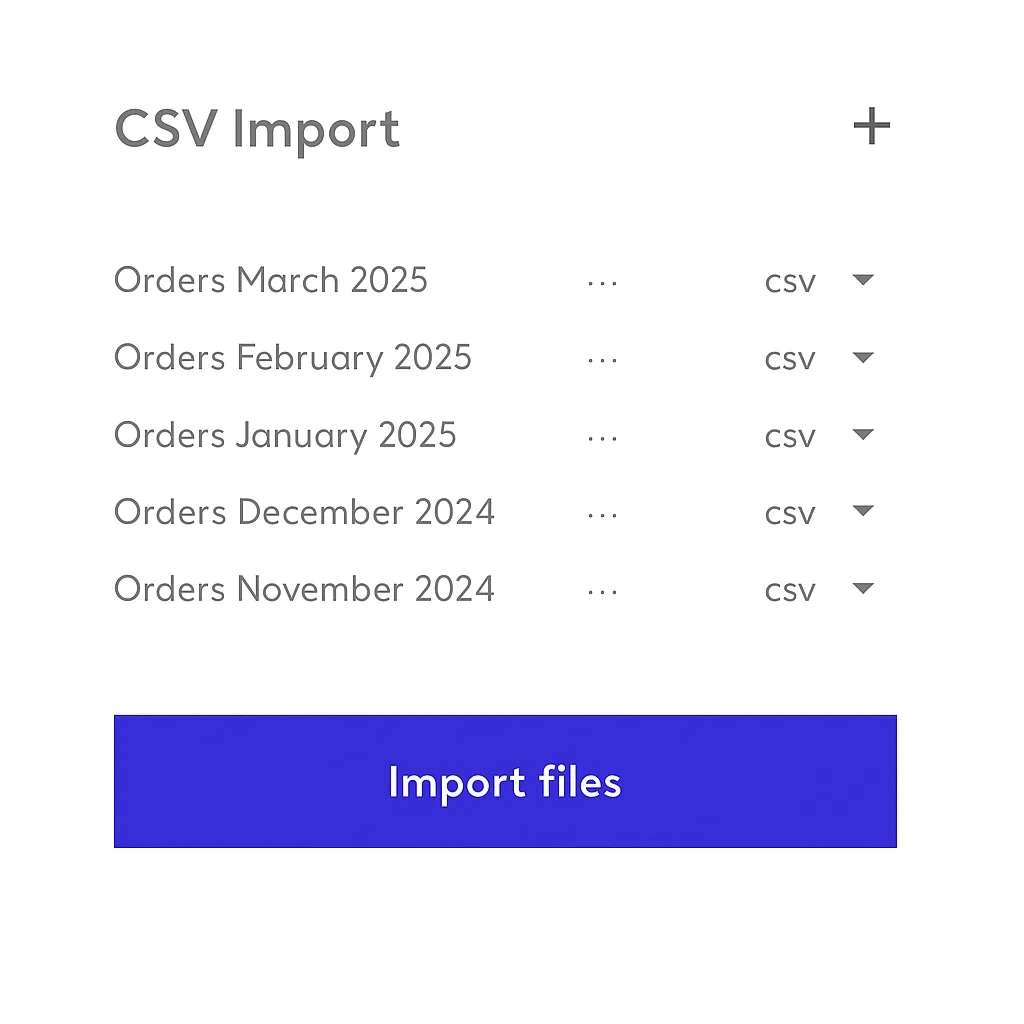
✓No API integration required
✓Bulk order import from a single CSV file
✓Bulk quote and order submission
Start ImportingHow It Works
CSV Import Dashboard

Simple Order Processing

With the CSV importer you don't need to worry about the time it takes to process manual orders or integrate with our API. Simply submit your orders in one quick upload.

Easy Upload

Upload your CSV file directly through our dashboard. No complex setup or API keys required.

Quality Control

Review each order before submission. Amend artwork, remove orders, edit details and get status updates.

Fast Processing

Access all order details through your online account, see status, make changes, get shipping details or cancel orders.

How It Works

Get started with bulk order processing in 5 simple steps

1

Create Account

Sign up for a free Papello account and access the CSV importer tool.
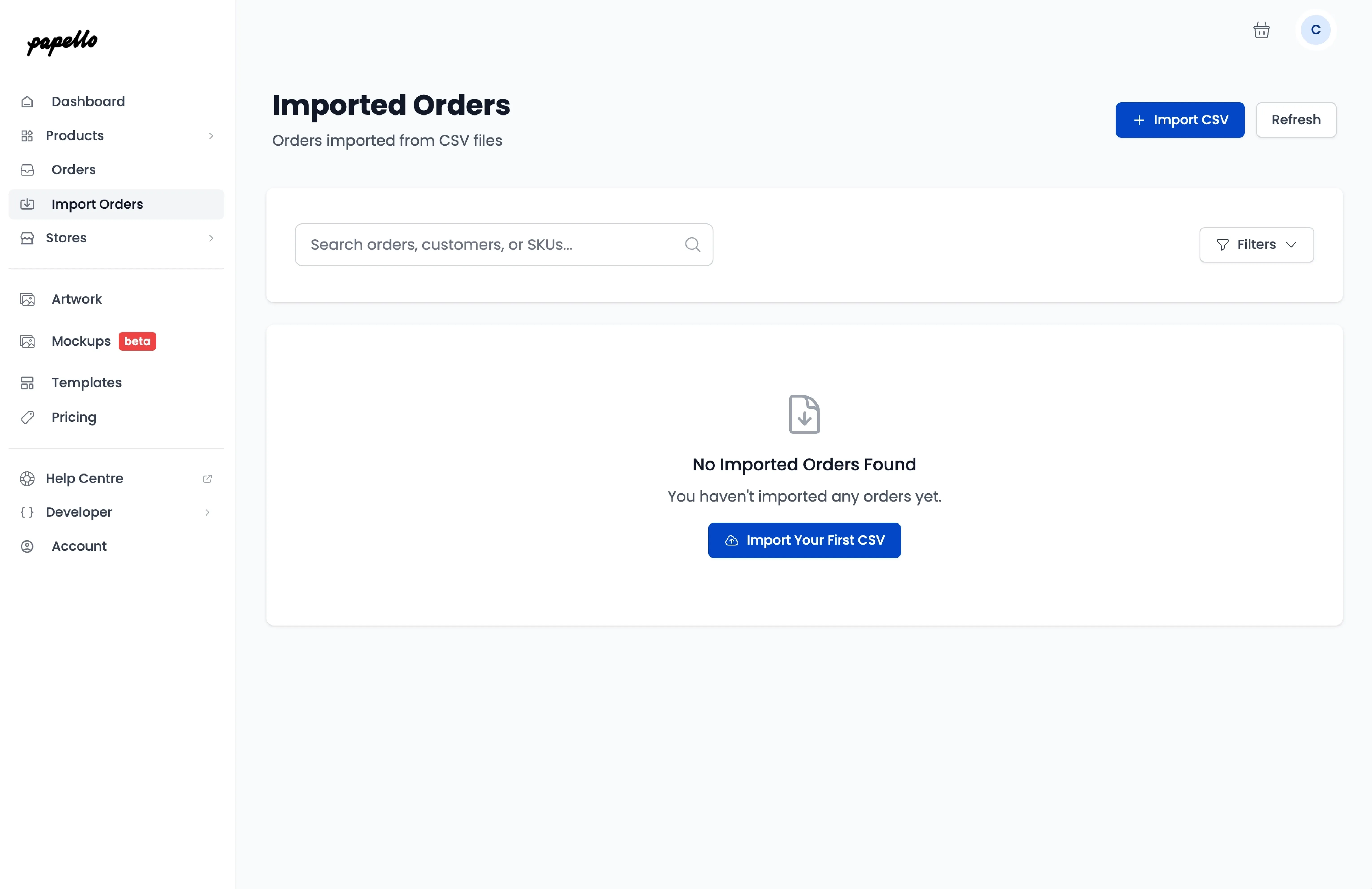
Step 1: Access Import Orders Dashboard

Why Choose CSV Import?

Perfect for businesses processing high volumes of orders without the complexity of API integration.

✓

No Technical Setup

Skip API integration and start importing orders immediately

✓

Bulk Processing

Process hundreds of orders in minutes, not hours

✓

Cost Transparency

Get instant quotes for production and shipping costs

✓

Order Management

Review, edit, and manage all orders from one dashboard
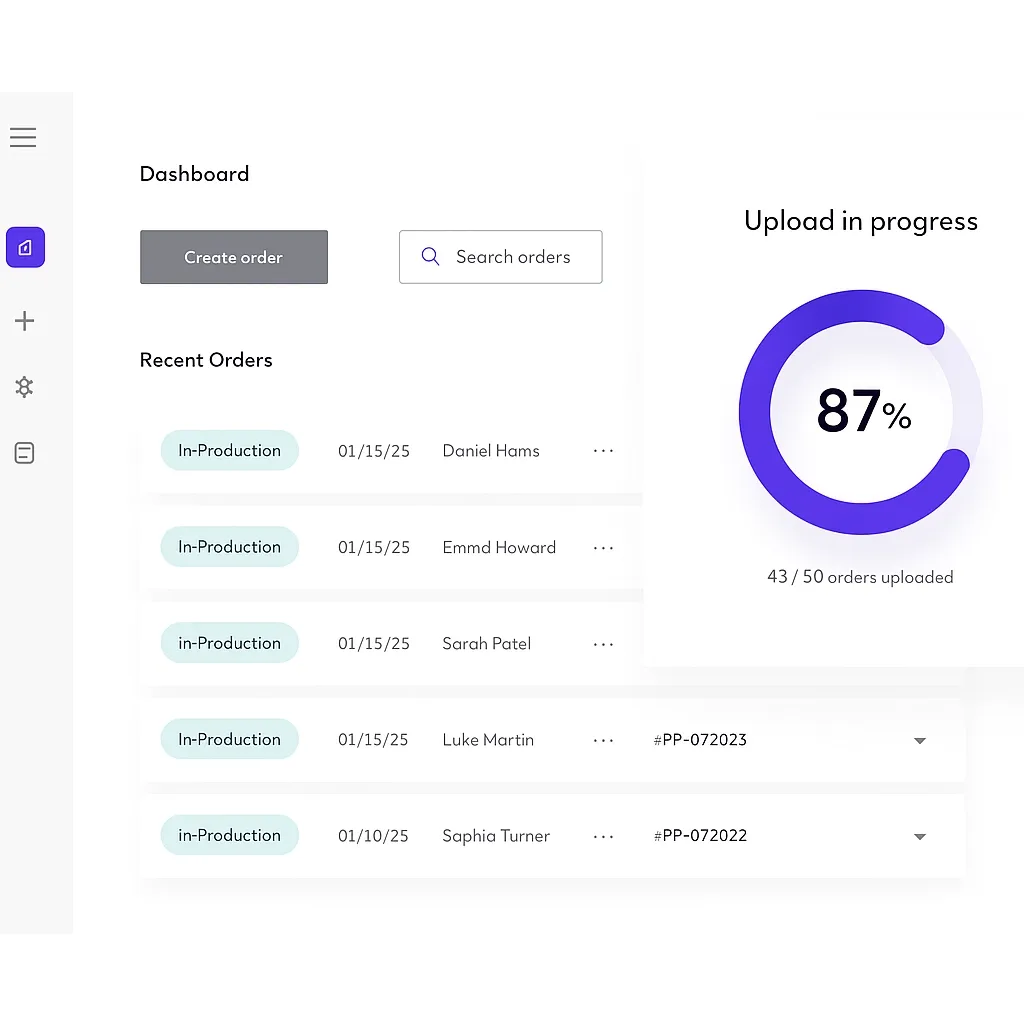
Start Importing Orders
CSV Import Dashboard with Quotes

CSV Format Requirements

Ensure your CSV file meets our requirements for successful import

File Format

File must be in CSV format with comma-separated values. Maximum file size: 10MB

Column Headers

First row must contain the exact column headers shown in our template

Required Fields

All required fields must be provided for each order including SKU, quantity, and shipping details

Artwork Files

Print files must be publicly accessible URLs. Use print_area_1, print_area_2 for multi-print products

Download CSV TemplateView Requirements

Ready to Streamline Your Order Processing?

Join thousands of businesses using our CSV importer for efficient bulk order processing. Start importing your orders today and save hours of manual work.

Start CSV ImportContact Sales