
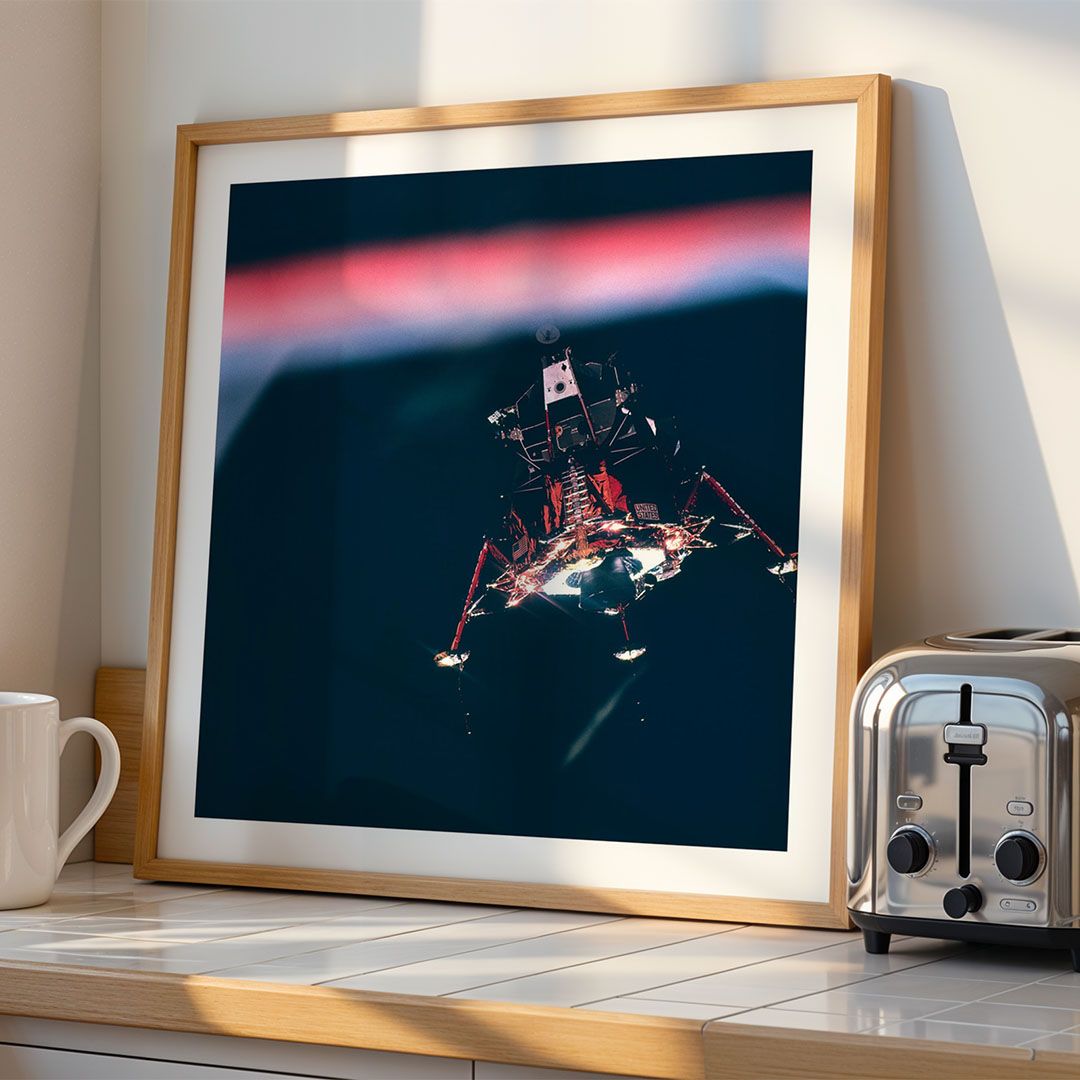
Abstract Wall Art Print
Enhanced Archival Matte · 4 variations
Mugs
Loading product details
Skip the research, mockup hunting, and content writing. Papello's listing creator gives you everything you need to create professional product listings in minutes, not hours.
Listing Creator
Bulk listings with mockups attached
Abstract Wall Art Print
Enhanced Archival Matte · 4 variations
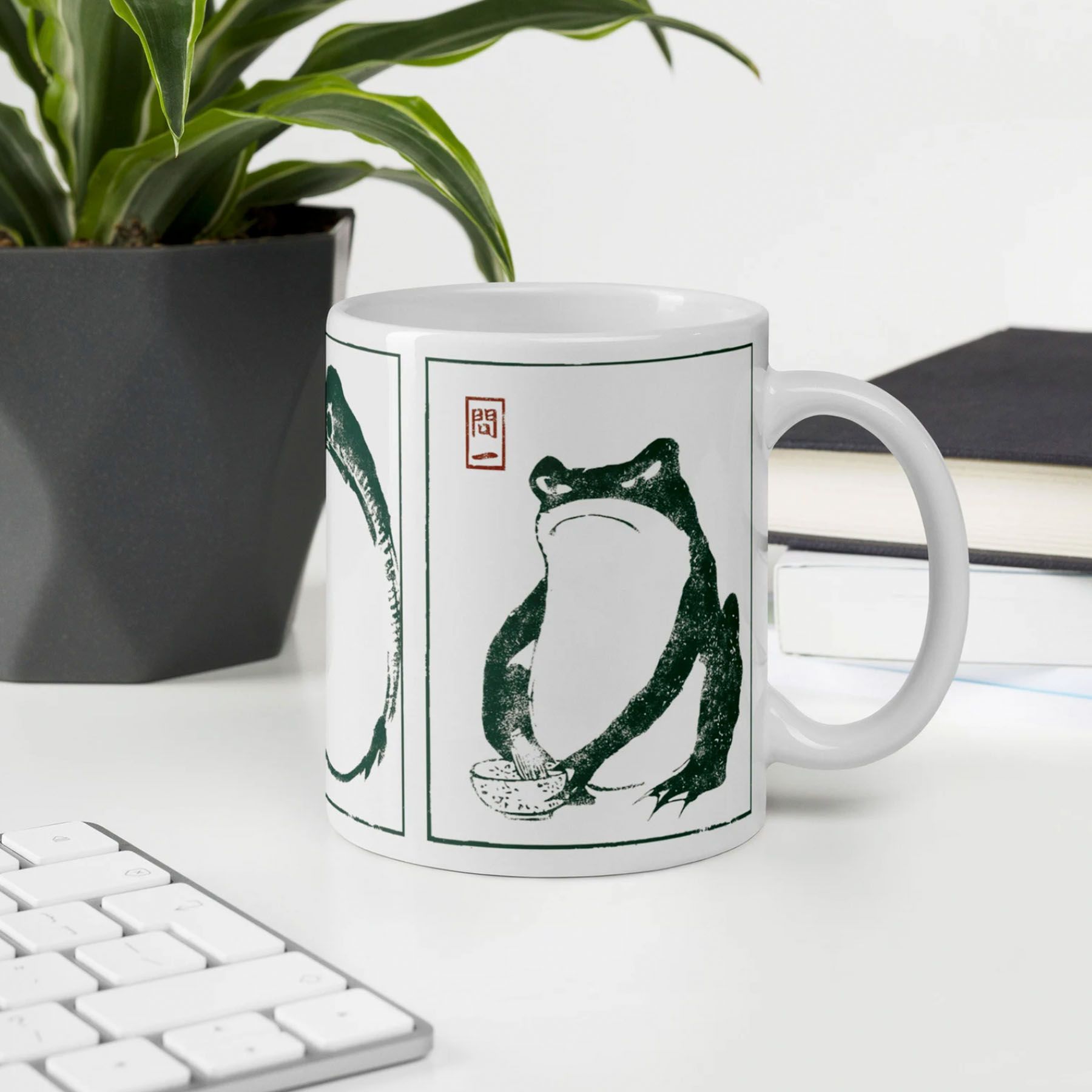
Custom Designed Mug
11oz Ceramic Mug · 2 variations
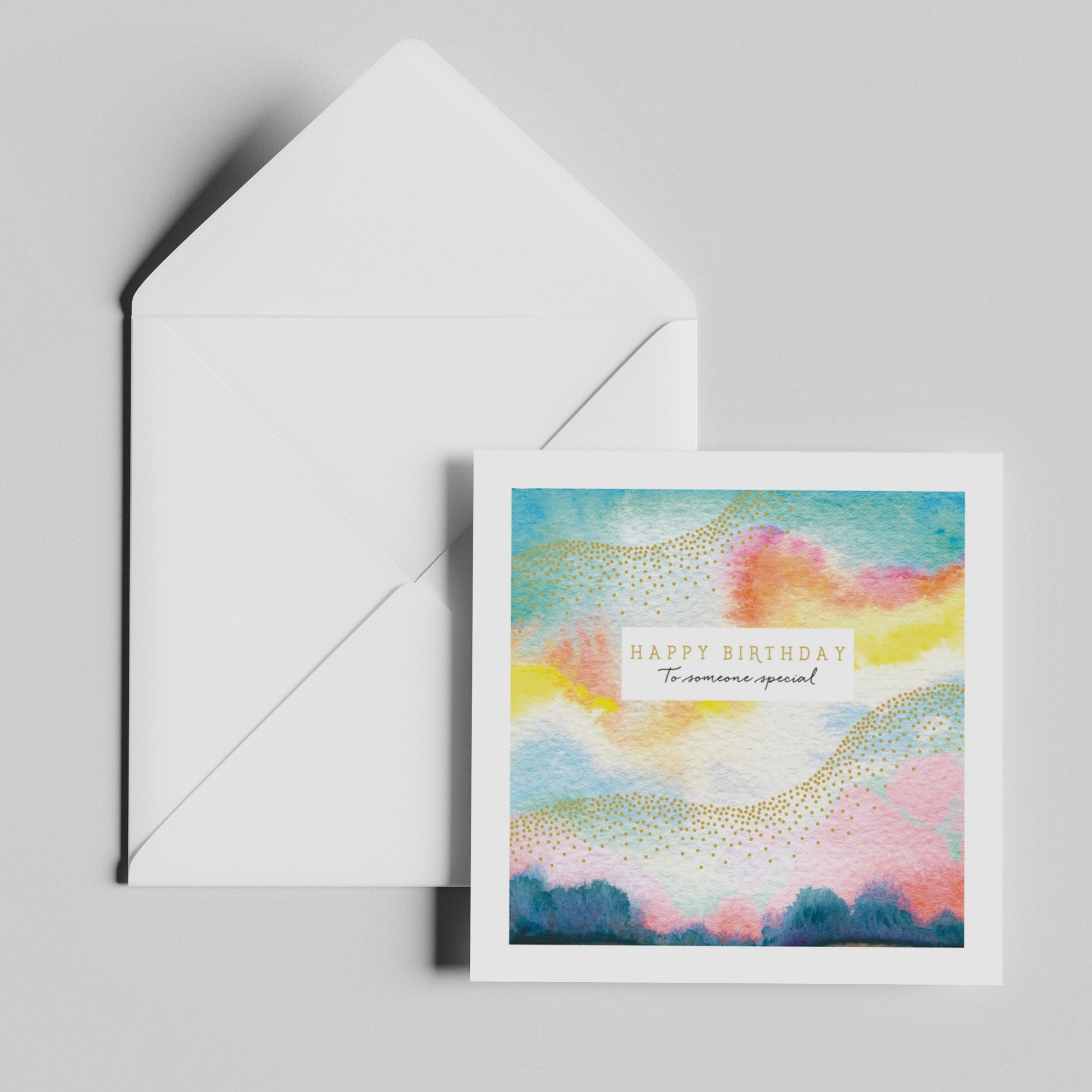
Birthday Greetings Card
Square Card & Envelope · 3 variations
Publish to your stores



Mockups go live in your store gallery when you publish. No separate download step.
Creating your first print on demand listings can feel overwhelming. Here are the common roadblocks that stop sellers before they even get started:
With thousands of products available, choosing what to sell can be paralysing. You need to research what sells, check quality, and understand production costs.
Professional mockups can cost hundreds of pounds or require hours of Photoshop work. Without good visuals, your listings won't stand out in crowded marketplaces.
Researching keywords, writing SEO-friendly titles, crafting compelling descriptions, and creating tags takes hours per listing. Many sellers give up before completing their first product.
Our listing creator removes all the friction from creating product listings. Here's how we help you get started faster:
Browse our extensive catalogue of print on demand products, from mugs and posters to notebooks and wrapping paper. Each product includes detailed specifications, pricing information, and production details. No need to research elsewhere - everything you need is in one place.
Filter by category, search by keyword, or browse our curated collections to find products that match your niche. We regularly add new products based on market demand and customer feedback.
For around 80% of our product catalogue, we automatically generate professional mockups when you create a listing. No need to pay for mockup services or spend hours in Photoshop. These high-quality visuals are included at no extra cost.
Our mockups show your artwork on the actual product in realistic settings, helping customers visualise how the finished item will look. You can also use our mockup generator to create custom mockups for any product in our catalogue.
All mockups are optimised for marketplace requirements and can be downloaded in various formats for use across different platforms.
Our AI helpers can generate titles, descriptions, tags, and image alt text based on your product and artwork. This saves hours of research and writing time, giving you a solid foundation to build upon.
The AI considers your product type, artwork style, and marketplace best practices to create SEO-friendly content. You can always review and edit the generated content to match your brand voice and add your personal touch.
This feature is particularly useful when creating multiple listings, as it maintains consistency while saving significant time compared to writing each listing from scratch.
As an artist, you want your work to be printed on quality materials that do your art justice. Papello offers specialist papers and premium printing options that showcase your artwork beautifully.
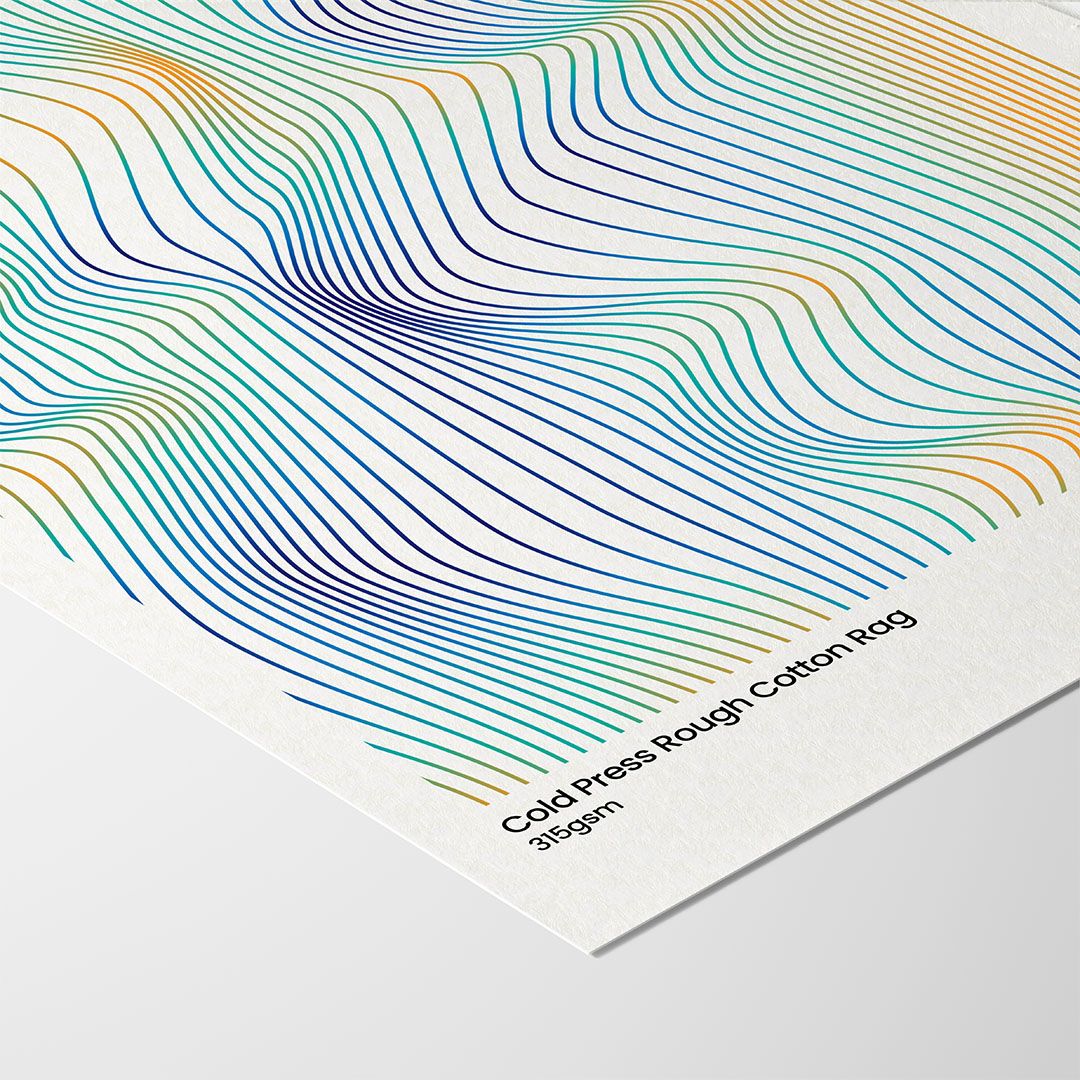
Choose from premium paper stocks including matte, gloss, and fine art papers. Our metallic foil prints use specialist papers that make colours pop and add a luxury feel to your artwork.
Our printing process ensures your artwork is reproduced with accurate colours and sharp detail. Perfect for photographers and digital artists who need their work to look exactly as intended.
Offer your artwork as prints, framed prints, canvas, and more. Create variable listings so customers can choose their preferred format, increasing your sales potential.
Watch our step-by-step guides to learn how to create listings in the Papello dashboard. Choose from single product listings or variable listings with multiple options.
Create listings for a single product variation, such as one mug with one design, or a poster in a single size. Perfect for straightforward products with no options.
Read full guideCreate listings with multiple options such as size, colour, or frame type. Ideal for products like prints in different sizes, or framed and unframed artwork. Supports up to 2 variation types and 70 total variations.
Read full guideOnce you've created your listing, publish it to any of your connected marketplace stores. Currently, Papello supports publishing to Etsy, Shopify, WooCommerce, and Wix.
Learn how to publish your Papello listings to your Etsy store and set up automated fulfilment. When a customer purchases the item on Etsy, the order is automatically submitted to Papello.
Read full guideLearn how to publish your Papello listings to your Shopify store and enable automated order processing. Orders are automatically imported into Papello when they sell.
Read full guideLearn how to publish your Papello listings to your WooCommerce store and automate fulfilment. Ensure your WooCommerce shipping methods are mapped correctly before publishing.
Read full guideLearn how to publish your Papello listings to your Wix store and set up automated fulfilment. When a customer purchases the item on Wix, the order is automatically submitted to Papello.
Wix print on demandOne of the biggest challenges when starting a print on demand business is knowing which products to sell. Here's how to approach product sourcing with Papello:
Start by exploring our product categories to find items that match your niche. Whether you're selling wall art, stationery, or home and living, we have products to suit your market.
Each category includes best-selling products and new arrivals, making it easy to identify trending items in your niche.
Before creating a listing, review the product specifications, available sizes, and pricing. This helps you understand production costs and set competitive retail prices.
Our product pages include detailed information about materials, dimensions, and printing options, so you can make informed decisions about what to sell.
Start by creating listings for a few products that align with your niche. Test different designs, pricing strategies, and product types to see what resonates with your audience.
Since there's no upfront inventory cost with print on demand, you can experiment freely and scale what works.
Browse our best sellers collection to see which products are popular with other sellers. While you should always create unique designs, understanding what sells can inform your product selection.
Remember, success comes from combining great products with unique designs that stand out in the marketplace.
When a product is published from Papello to your store, automation is set up automatically. This means that when the product sells on your marketplace:
A Papello order is created automatically
Your saved payment method is charged
The item is printed and shipped directly to your customer
No manual action is required from you. This allows for fully automated, no-touch fulfilment.
Already have listings on Etsy or WooCommerce? You can import your existing listings into Papello and set up automations so that when new orders come in, Papello automatically fulfils them.
This means you don't need to recreate all your listings. Simply import them, connect them to Papello products, and enable automation. From that point forward, any new orders will be automatically fulfilled by Papello.
Print on demand
Skip the research, mockup hunting, and content writing. Start creating professional product listings in minutes with Papello's listing creator.