
Personalised designs are created in the Papello Design Studio by adding Personalisation Fields to your base artwork.
Field Types
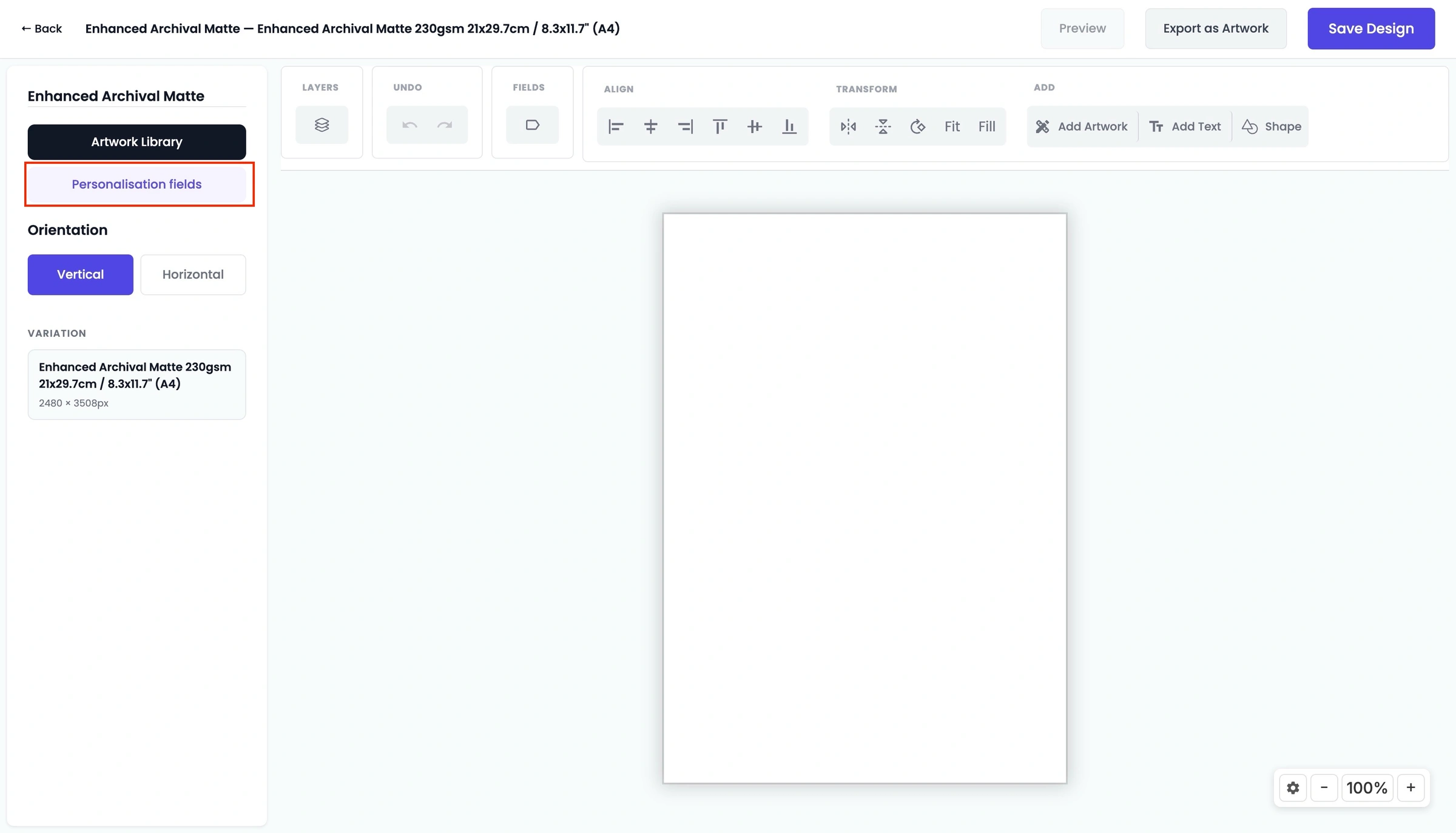
Open to create a new template under Design Studio → +New Design and select Personalisation fields from the left panel:
Field Type | Customer Action |
+ Text Field | Allows entry of custom text (e.g., names, dates, or messages). |
+ Image Upload | Enables customer photo uploads (JPG or PNG). |
+ Image Selector | Provides a choice between pre-defined design options or backgrounds. |
+Star Map | Create a dynamic stap map that maps constellations, by location, date & time |
You can also convert existing elements on your canvas by selecting a text box or image and clicking Personalise selected text or Personalise as image selector.
Configuring Fields
Each field contains configurable settings:
Question Label: The display title shown to the shopper (e.g., "Enter Your Name").
Max Characters: Caps the character limit on text fields to prevent layout overflow.
Image Fit Settings: Choose between Cover (fills area, may crop) or Contain (fits entire photo inside boundary).
Required Status: All fields are mandatory by default; shoppers cannot add the item to their cart until all required fields are completed.
Use the Preview button at the top of the panel to test customer inputs before saving.