
Branded inserts are a simple but powerful way to add your brand to every order. They help create a professional unboxing experience, increase customer loyalty, and even drive repeat sales.
With Papello, you can automatically include single-sided branded inserts with every order by setting them up once in your account.
Insert Options
You can choose from the following insert types:
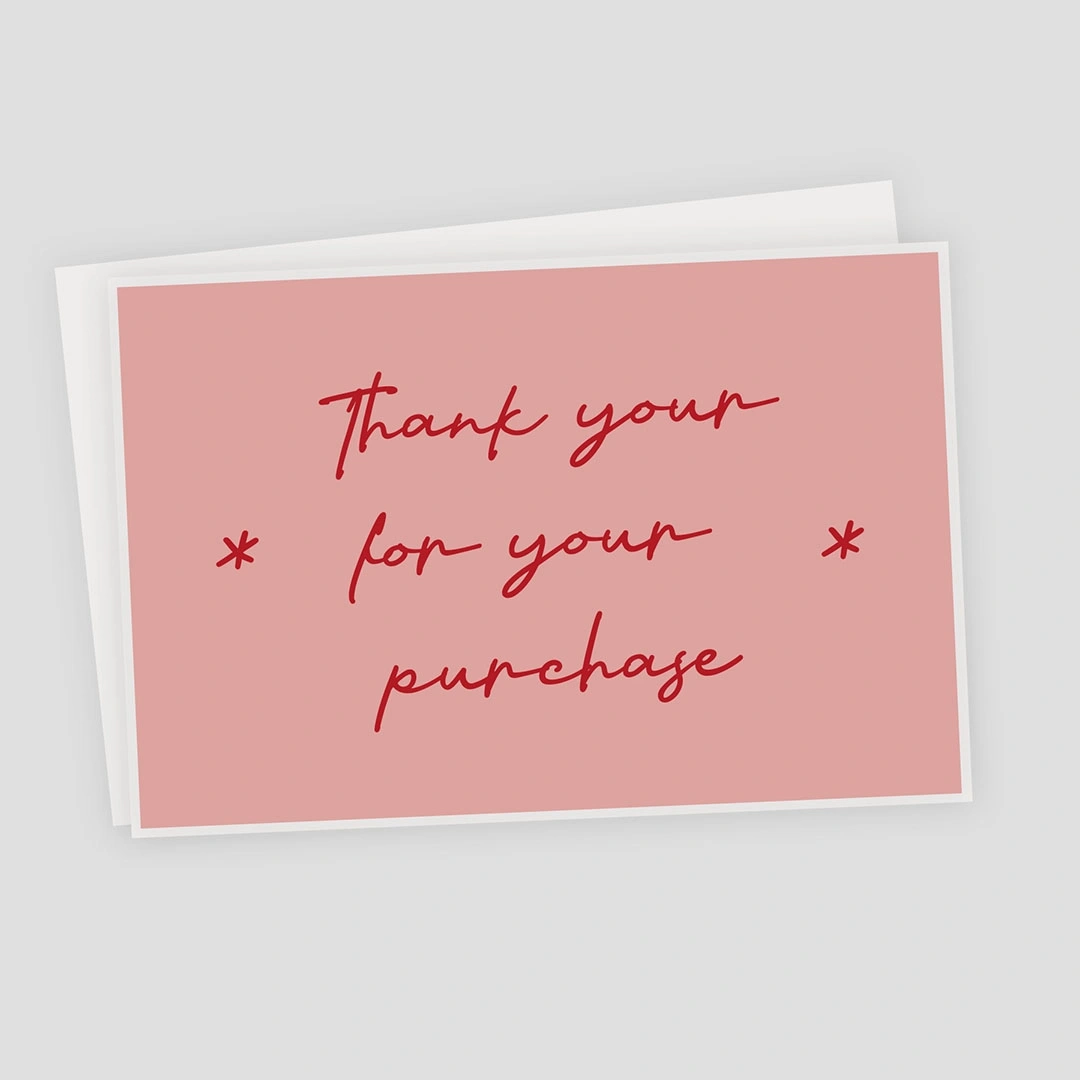
Postcard Insert (6×4”) – High-quality card stock – £1
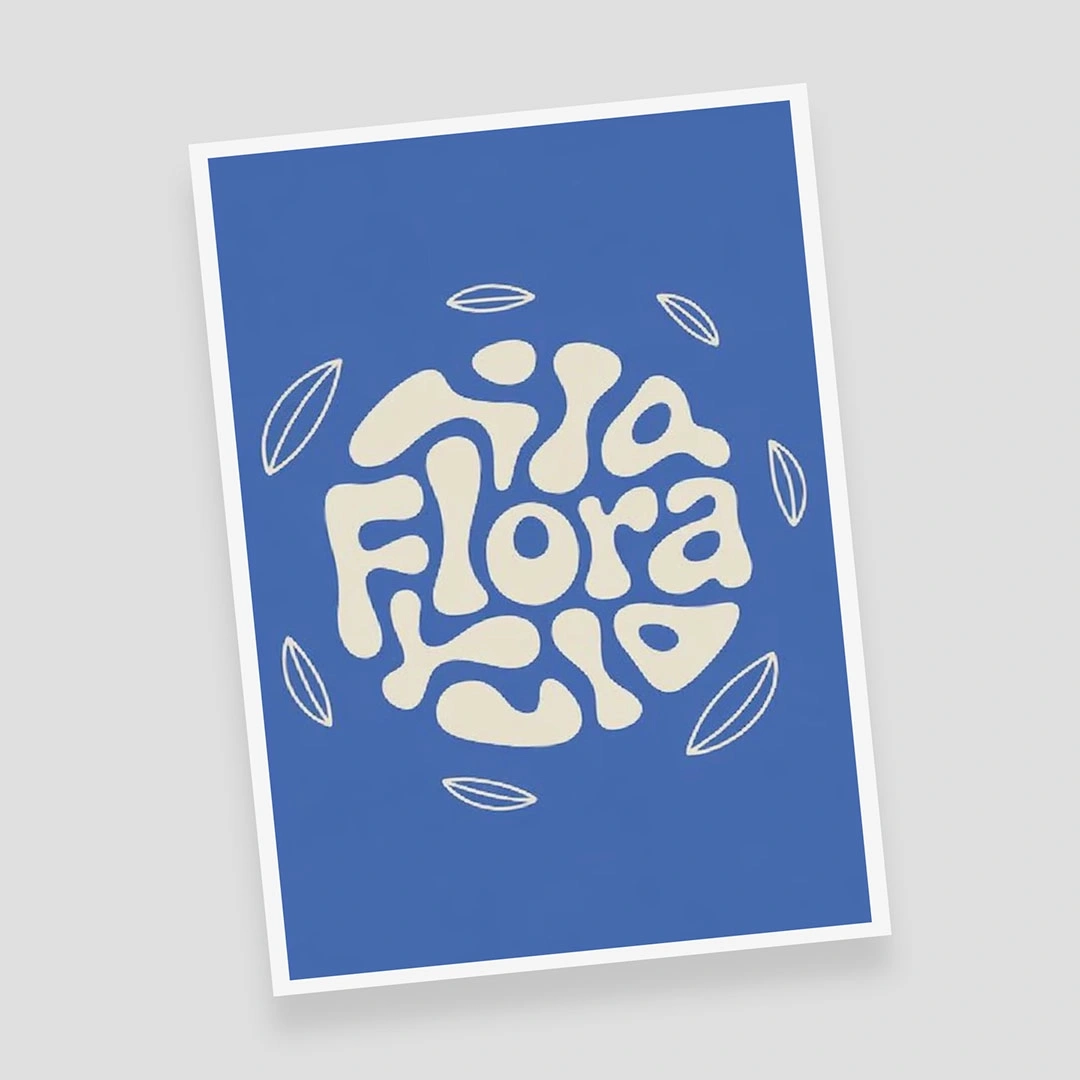
Colour Flyer (A5”) – Premium paper – £1
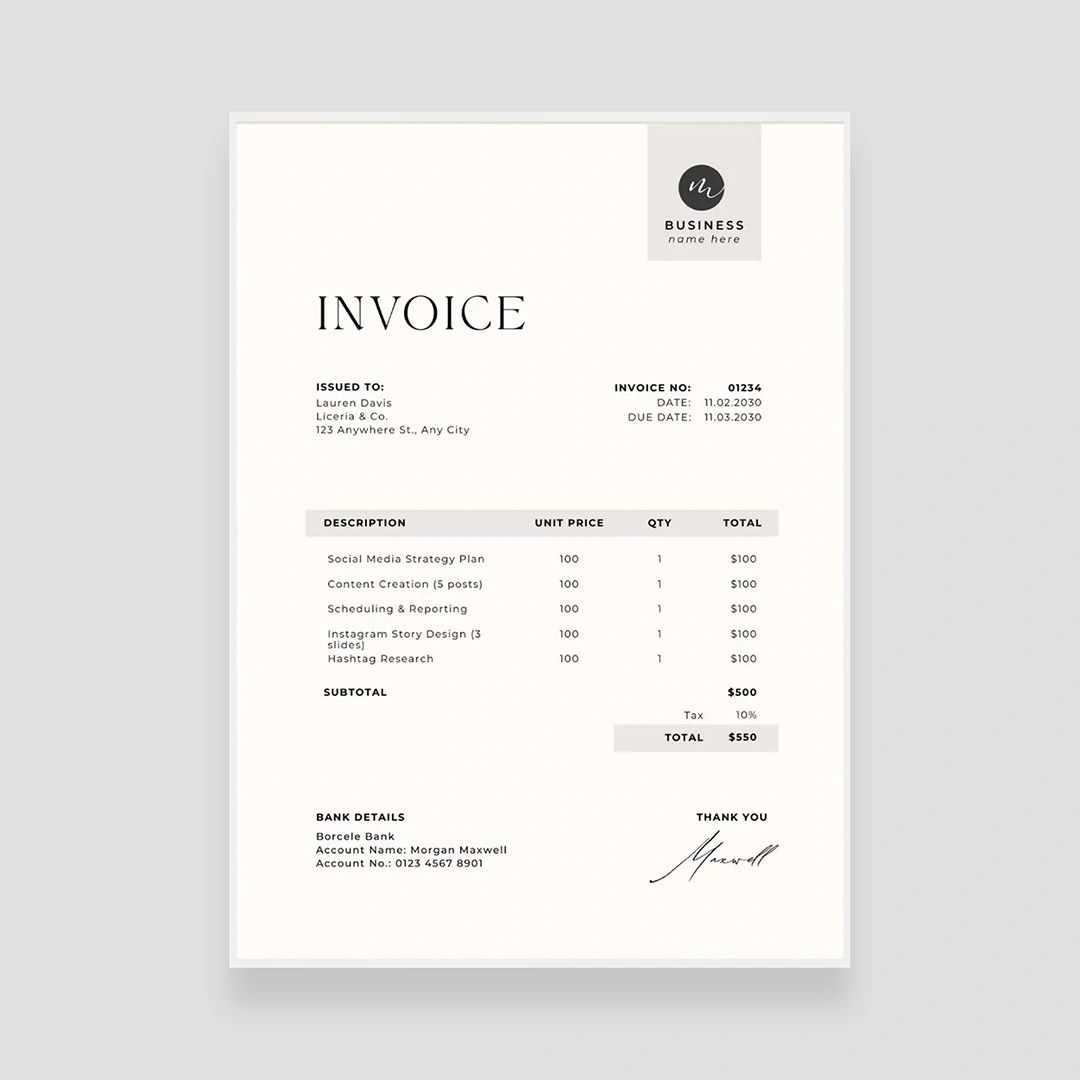
Black & White Packaging Slip (A5) – Free
Where Inserts Can Be Used
Branded inserts can be automatically added to:
API Orders
Manual Online Papello Orders
Each Connected Store (Etsy, Shopify, WooCommerce, etc.)
👉 Each time you connect a new marketplace, a branded insert option becomes available for that store in your settings.
How to Set Up Branded Inserts
Go to Account > Branding https://dash.papello.com/dashboard/account#branding
You’ll see a list of channels:
API Orders
Online Orders (Manual Orders on Papello)
Your connected stores
For each channel, use the dropdown to select the insert type you want to use.
Upload or select an image from your artwork library to appear on the insert.
Click “Save Insert Settings.”
Packaging Slips
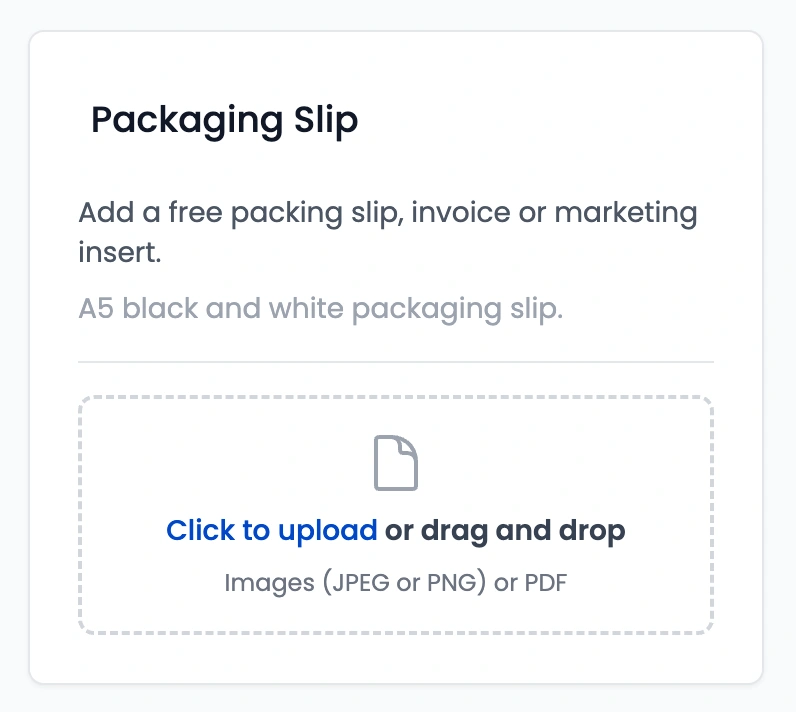
You also have option to add a packaging slip to each order (seperate from the inserts). Packaging slips can be individually uploaded when submitted an order on the dashabord or via the API. Packaging slips are free and printed in greyscale.
What Happens Next?
Once saved, your branded insert will automatically be included whenever you receive an order from that channel. No extra steps required.
Important Note
If you delete the insert image from your artwork library, we won’t be able to include the insert in your orders. Be sure to keep your artwork saved in your account.
We do not include free packing slip inserts or additional packaging slip into smaller products such as Greeting Cards, Ceramics & keyrings due to the smaller size of the packaging. Paid inserts will be added and packed.
Ready to Brand Your Orders?
Branded inserts are one of the easiest ways to turn a simple delivery into a memorable brand experience. Set yours up today and let Papello handle the rest.