
Option 1: Download Templates from the Download Centre
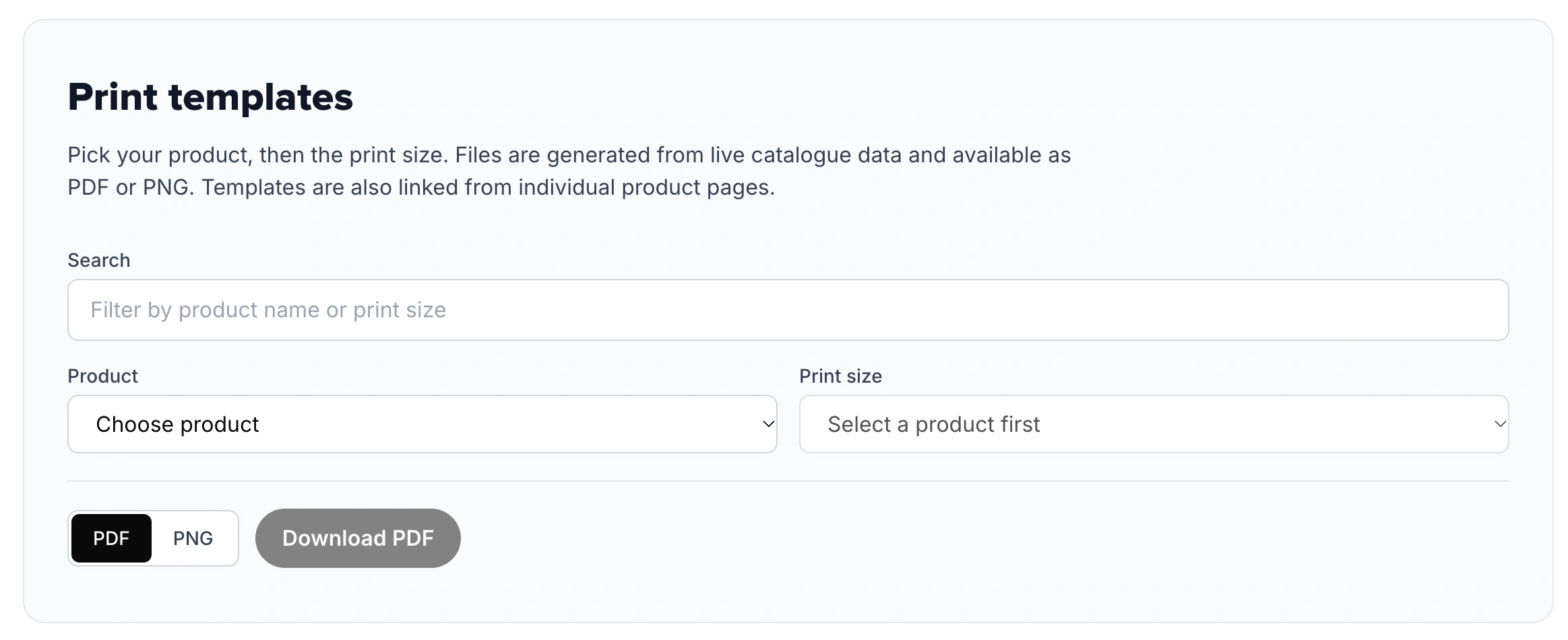
If you prefer preparing artwork in external design software like Adobe Photoshop, Illustrator, Procreate, or GIMP, you can download exact print templates:
Visit the Papello Download Centre.
Search or browse for the specific product SKU or print size you are creating artwork for (e.g., Fine Art Prints, Framed Posters, Canvas, Mugs).
Select and download your preferred file format:
PNG Template: Ideal for raster-based editors like Photoshop, Procreate, or Canva.
PDF Template: Ideal for vector-based editors like Adobe Illustrator or InDesign.
Import the file into your design software and use the guides to keep important design elements safe from trim margins.
Option 2: Create Designs Directly in the Design Studio
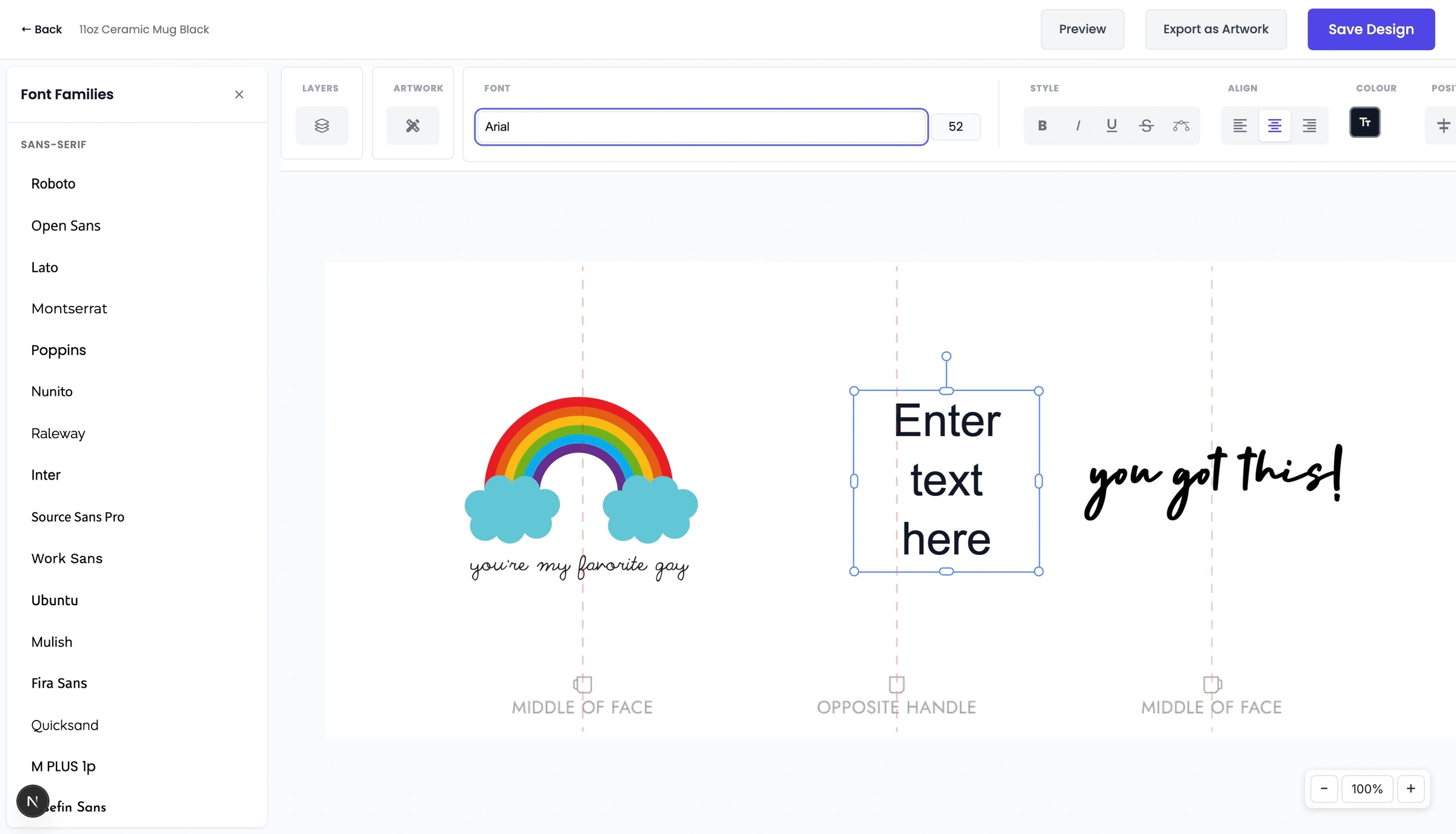
Instead of downloading external templates and re-uploading files, you can design directly on your Papello seller dashboard using our built-in Design Studio:
Log in to your Papello dashboard and go to Design Studio.
Select your target product to open the canvas, pre-set to the exact required print dimensions and margins.
Build your artwork using text layers, graphics, and backgrounds.
Why Use the Design Studio?
Building your templates directly in the Design Studio is especially recommended if you plan to sell personalised products. It allows you to designate live text fields, image upload zones, and option choice selectors that automatically generate print-ready files when customers buy from your store.