
Creating the Listing
Go to Listings and select Create Listing.
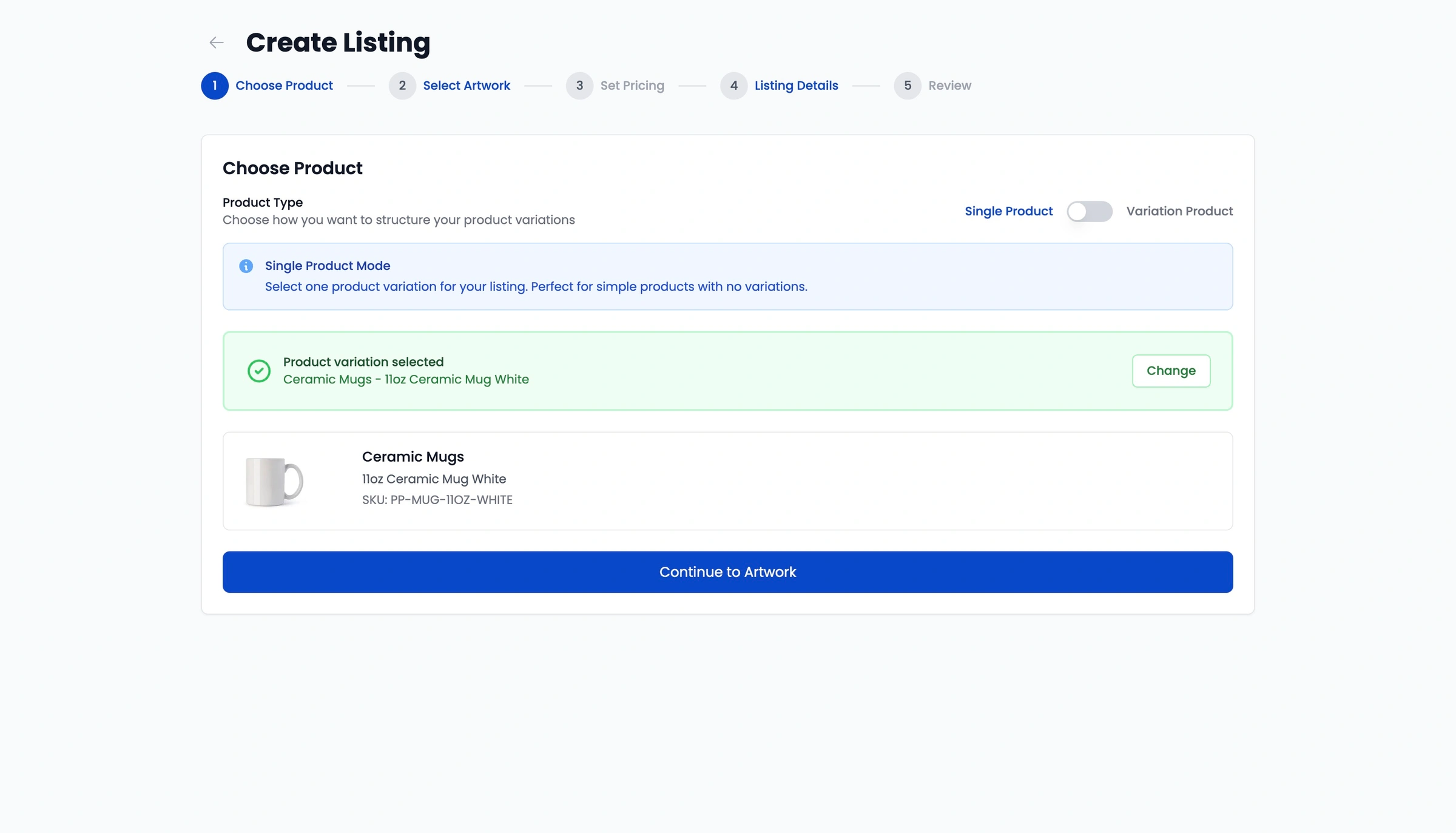
Select your base Papello product and variant sizes. For example, a white mug, or A4 poster.
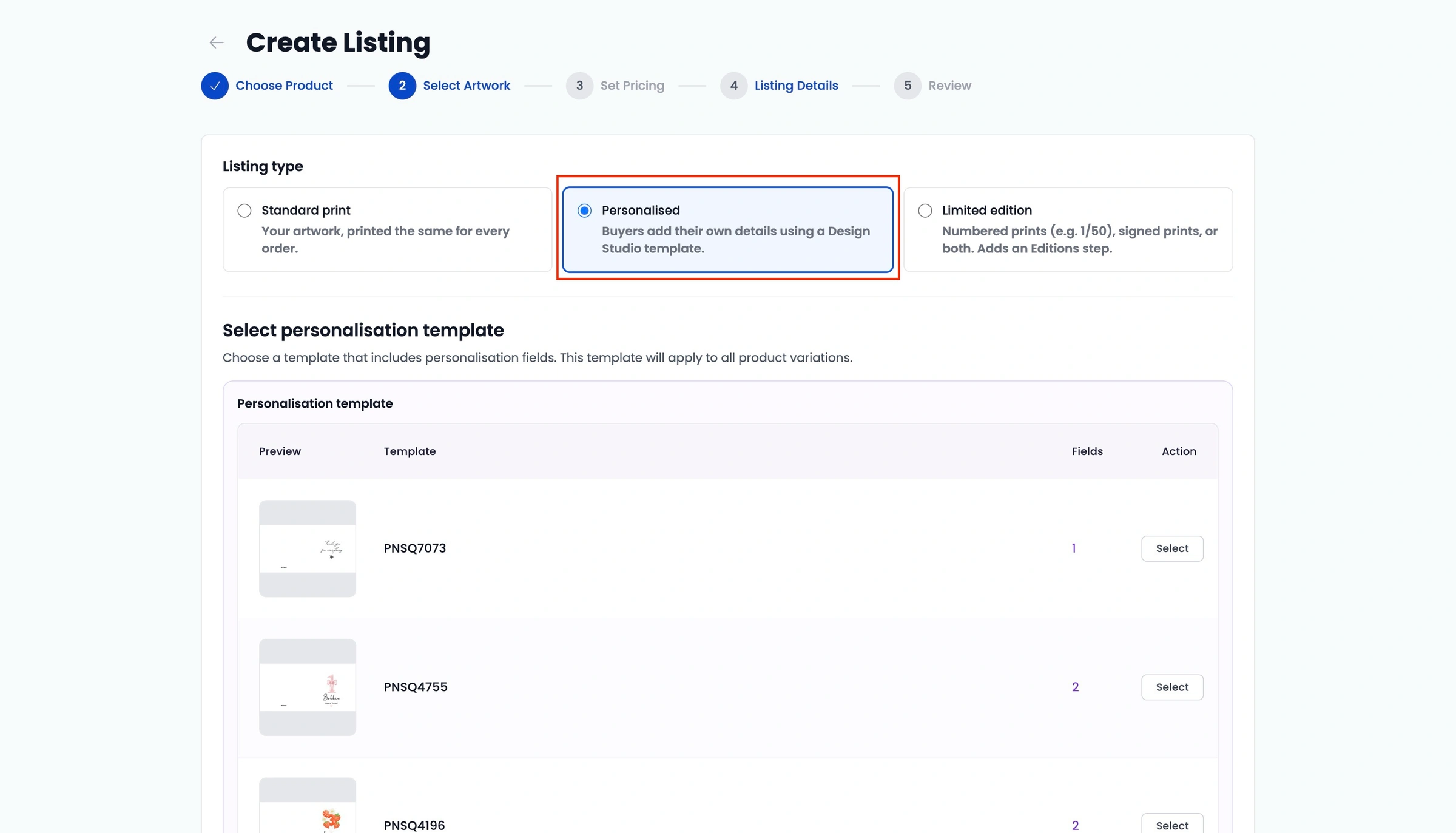
Under Select Artwork, set the listing type to Personalised and select your personalisation design template.
Set retail pricing, title, description, and mockups, then save.
Publishing Settings
Click Publish on your saved listing and select your connected Shopify store.
Choose your shipping preference:
Use Papello Shipping Rates: Automatically charges Papello's live destination rates at checkout.
Keep My Own Shipping Rates: Maps the product to your existing Shopify shipping profile while linking the backend fulfilment to Papello.
Click Publish to Shopify.
Publishing creates the product variants, links the template, and assigns inventory routing to the Papello Fulfillment location in your Shopify settings.