
If you have not set up automatic order processing or prefer to review orders individually, you can manually submit Wix orders to Papello for fulfilment using the live order details pulled directly from your store.
When to Use Manual Submission
Manual submission is ideal if you:
Are testing new product offerings before enabling full automation.
Need to review artwork or specific customer requests on an order-by-order basis.
Offer custom mixed orders where only certain items are printed by Papello.
Step-by-Step Order Submission Guide
1. Locate Your Wix Store Orders
Log in to your Papello seller dashboard and go to Stores.
Find your connected Wix store in the list and click View Orders.
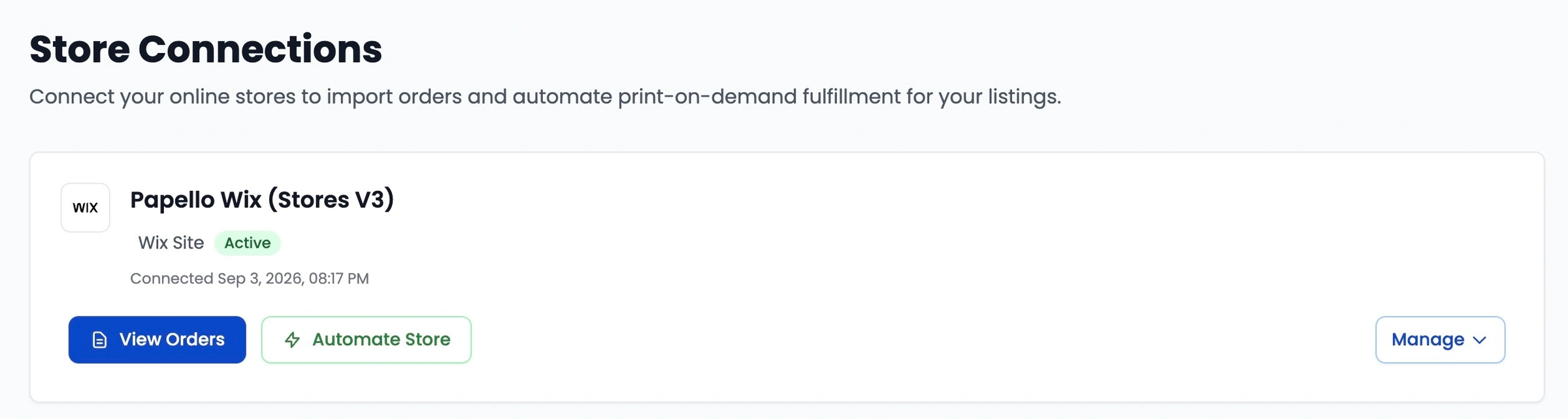
This page will display your live orders directly from your Wix store.
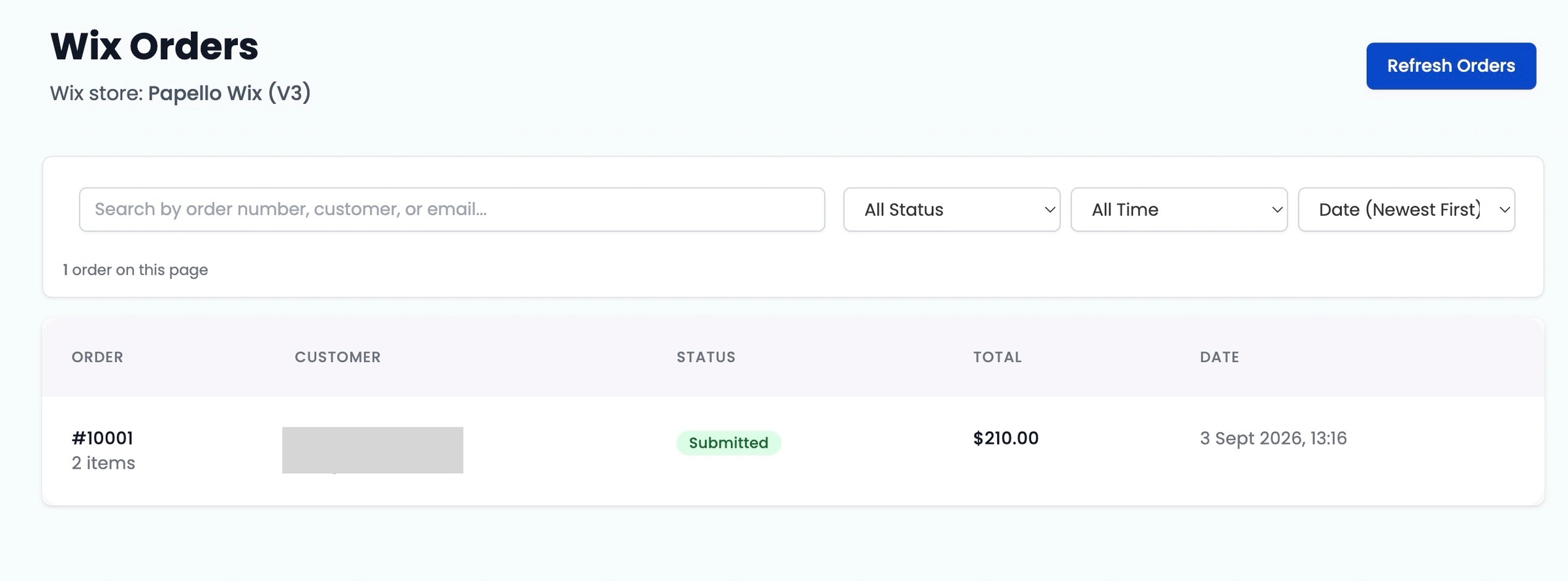
2. Select the Order to Fulfil
Locate the order you want to submit and click on it.
The order details page will display the full customer shipping information and order contents alongside the option to assign a Papello product.
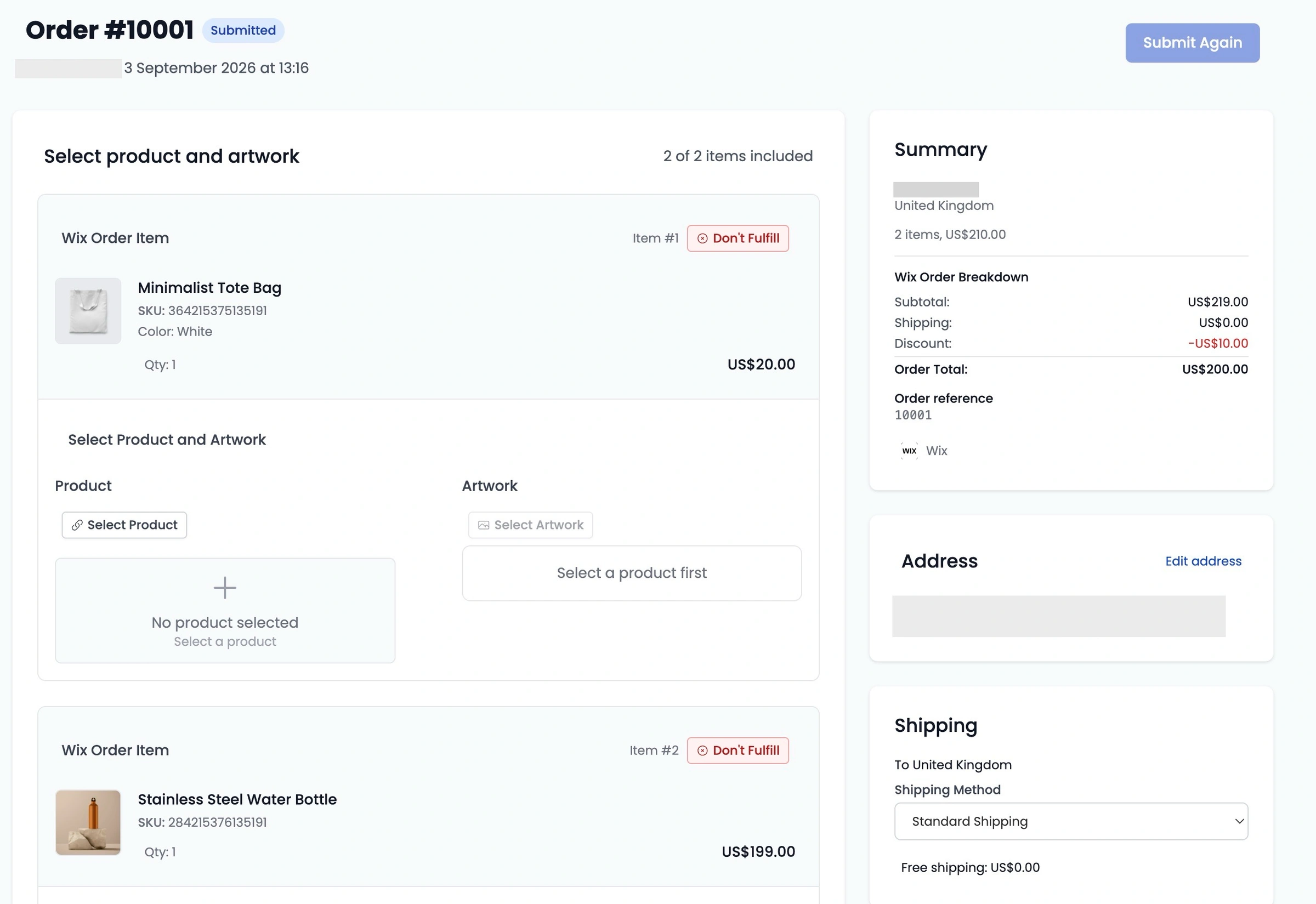
3. Match the Product
Click Select Product.
Browse or filter the popup modal to locate the Papello product you want us to produce for this order item.
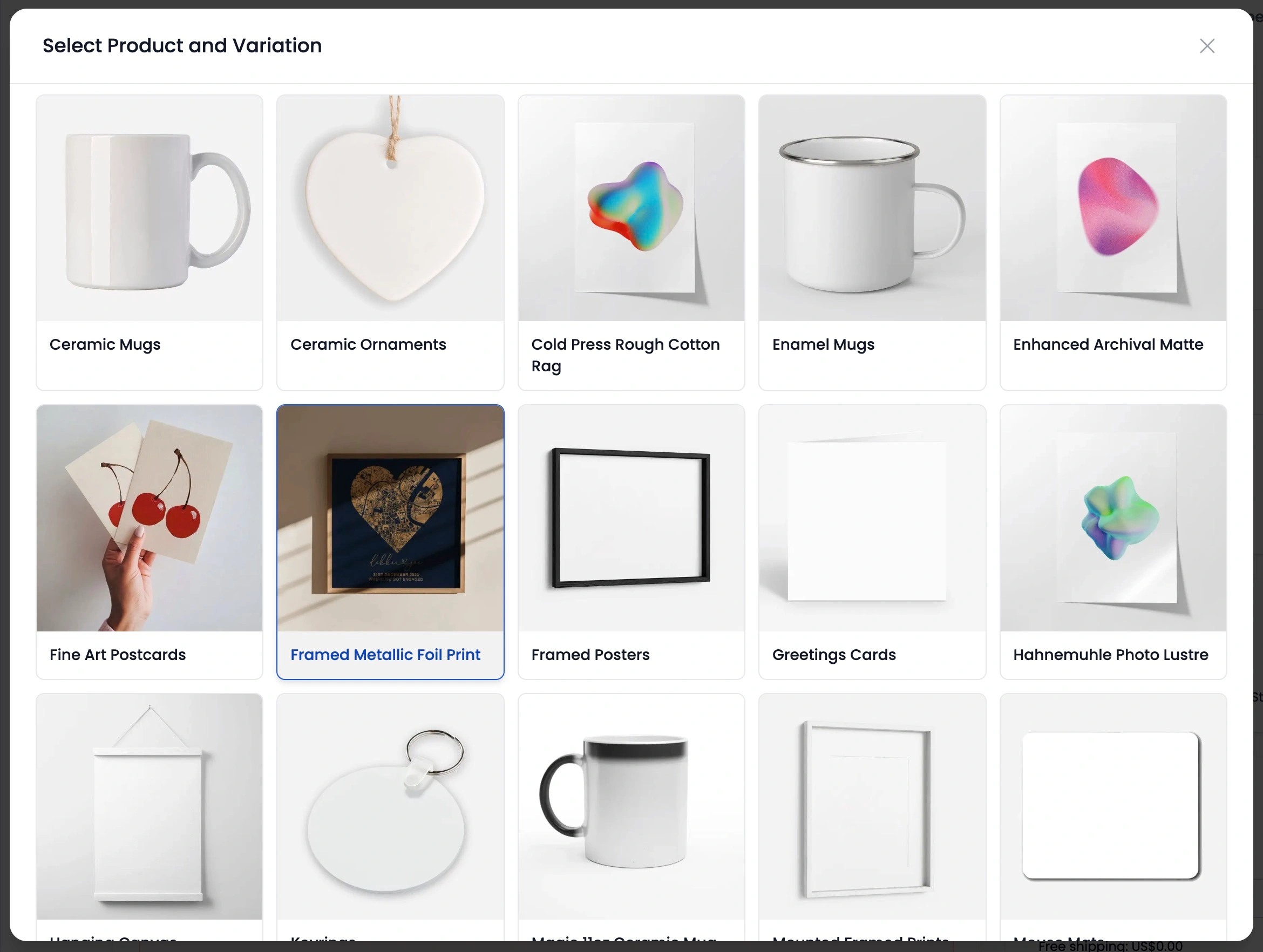
Click to confirm your product selection.
4. Assign the Artwork
Click Select Artwork.
Choose your design from your existing Artwork Library. If you have not uploaded the design yet, you can upload it directly within the modal or via the main Artwork page.
Once selected, our built-in Artwork Checker will automatically verify the image quality and confirm if the artwork aspect ratio matches the required print dimensions for the chosen product.
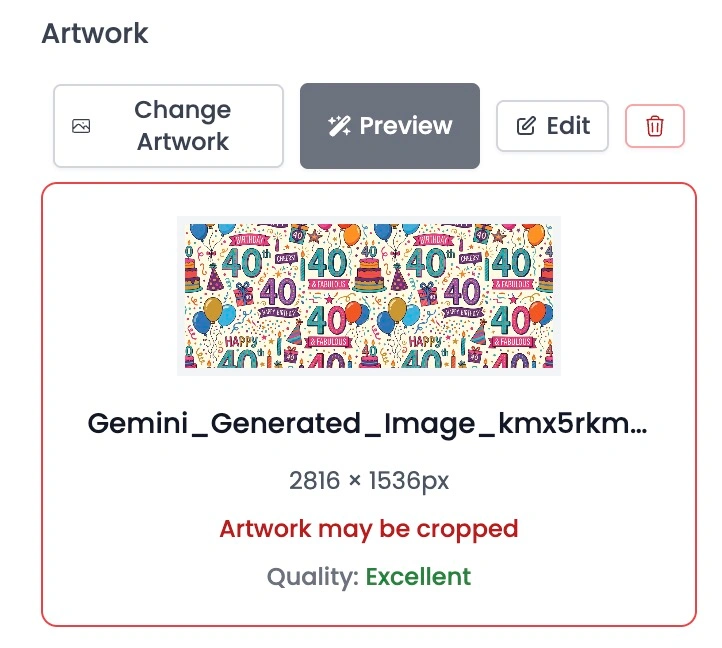
Make any necessary adjustments to your artwork sizing or placement before proceeding.
5. Handle Excluded Items (Optional)
If a Wix order contains multiple items and there are products you do not want Papello to manufacture:
Click Don't Fulfil next to the specific item.
This will exclude that item from the order submission while allowing us to process the rest of the order.
6. Review and Submit
Double-check all customer details, selected products, and assigned artwork files. Once you are satisfied, click Submit Order.
What Happens Next?
Production: Your order is immediately sent to our production line for printing, packing, and quality control checks.
Automated Tracking Update: Once your order is dispatched, Papello automatically updates your Wix order status to shipped/fulfilled and attaches the tracking details directly to your Wix store