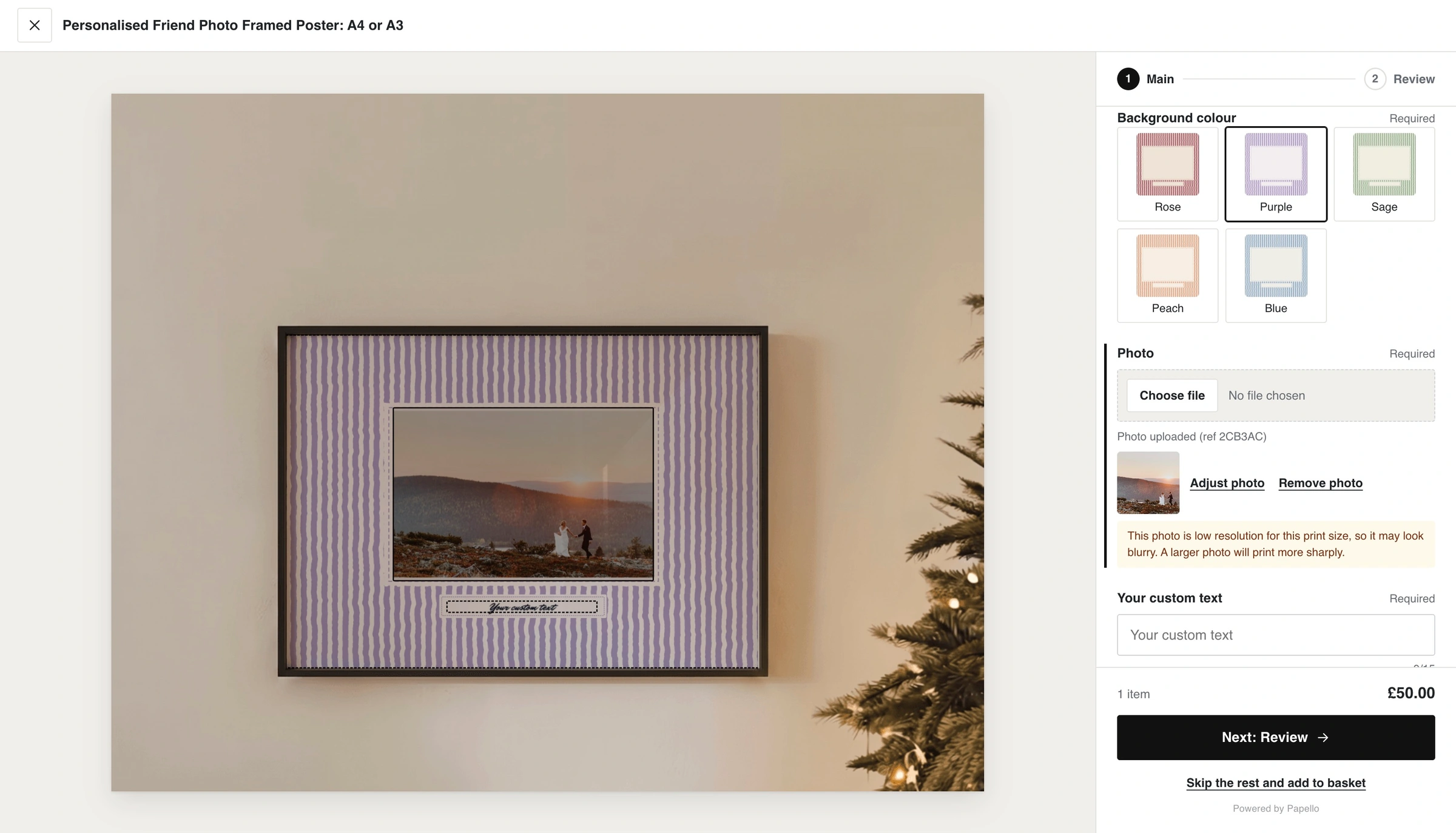
By default, the personaliser displays artwork on a flat preview. Base Mockups allow customers to see their customisations rendered directly onto realistic product photos (such as framed art hanging in a room) in real-time.
Base mockups are not required, however it helps customers better visualise their purchase directly in your Shopify store.
Below is a side by side of the Shopify customiser before and after adding a base mockup for the same product template.
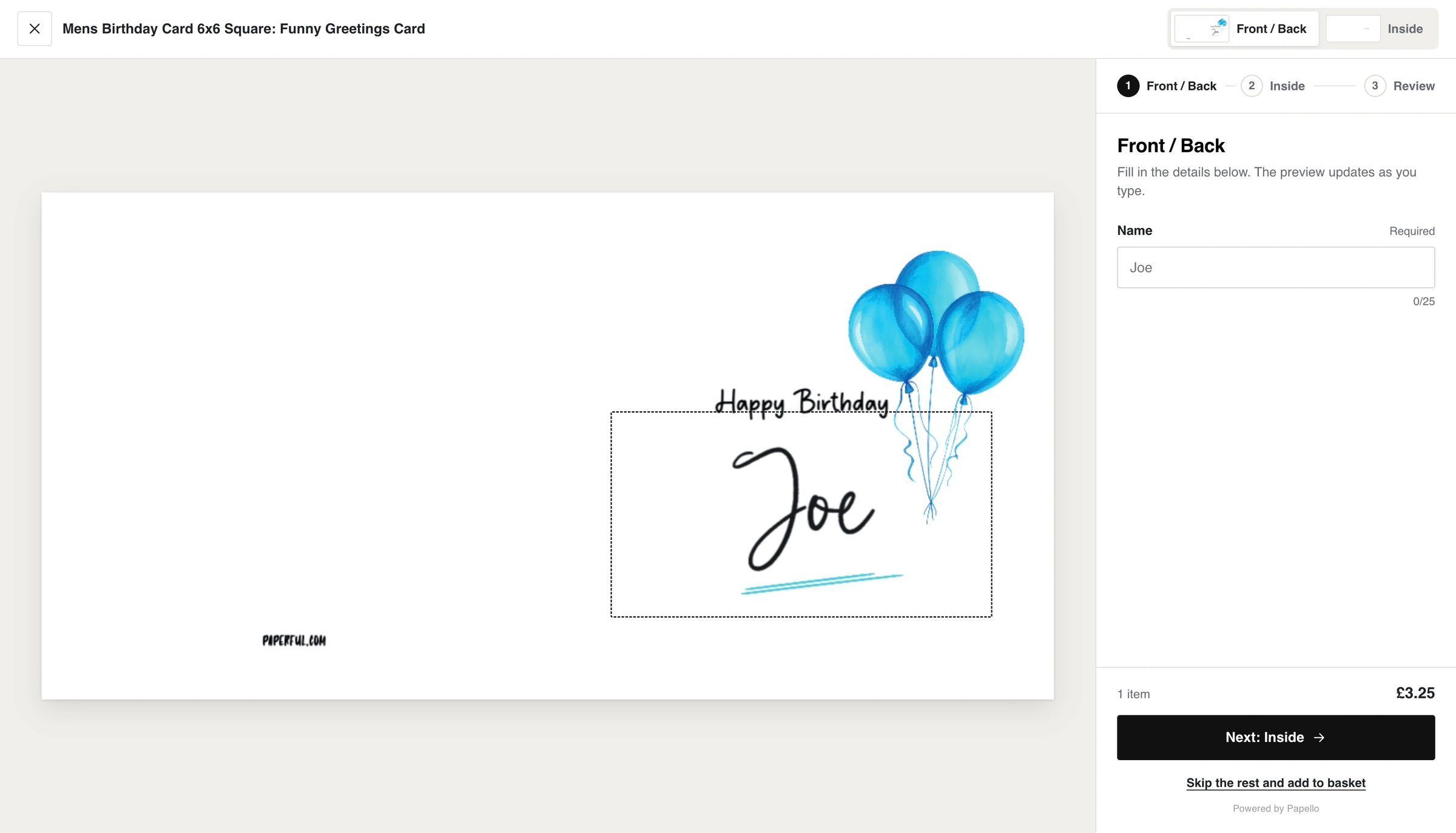
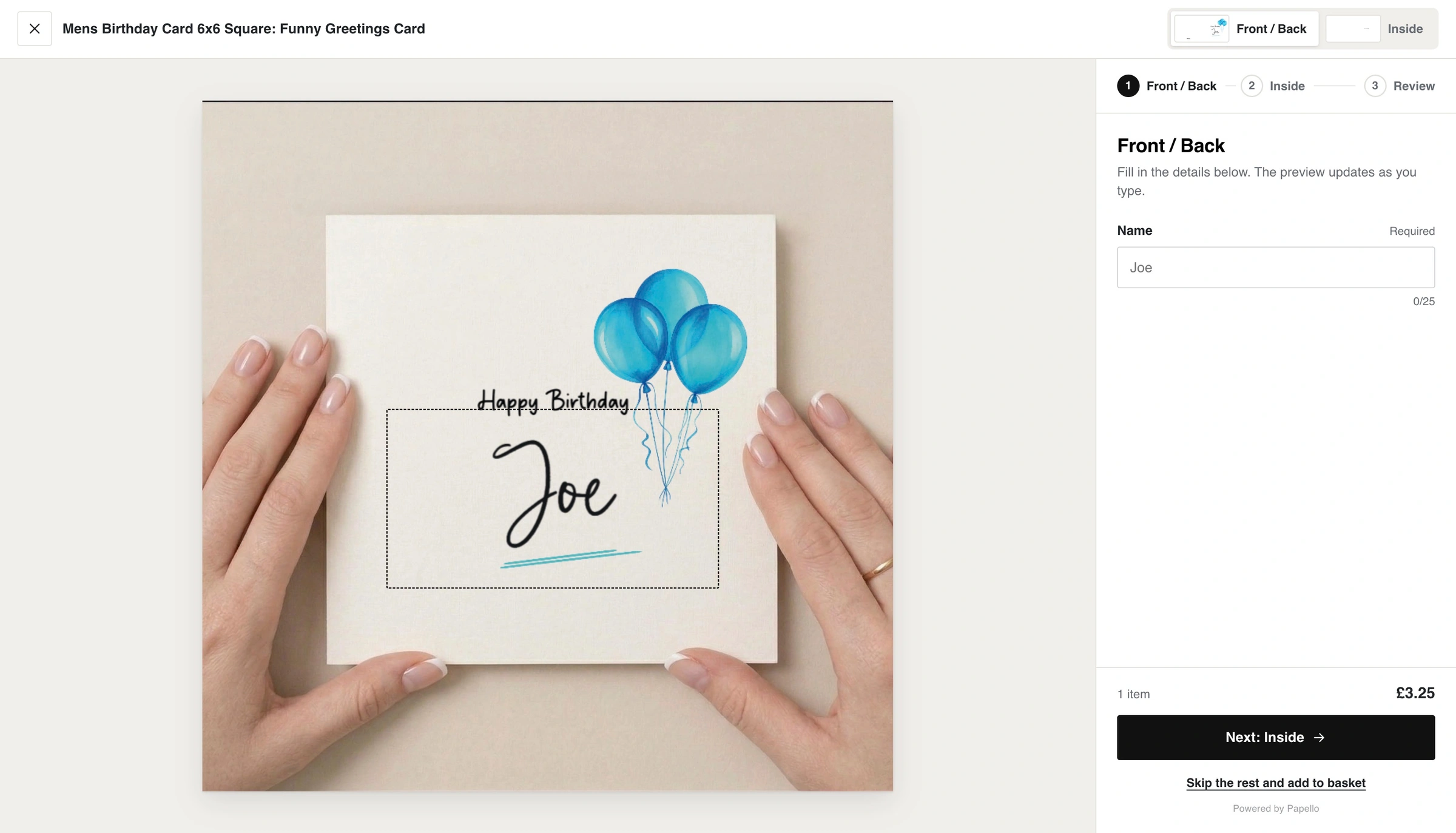
Configuration Steps
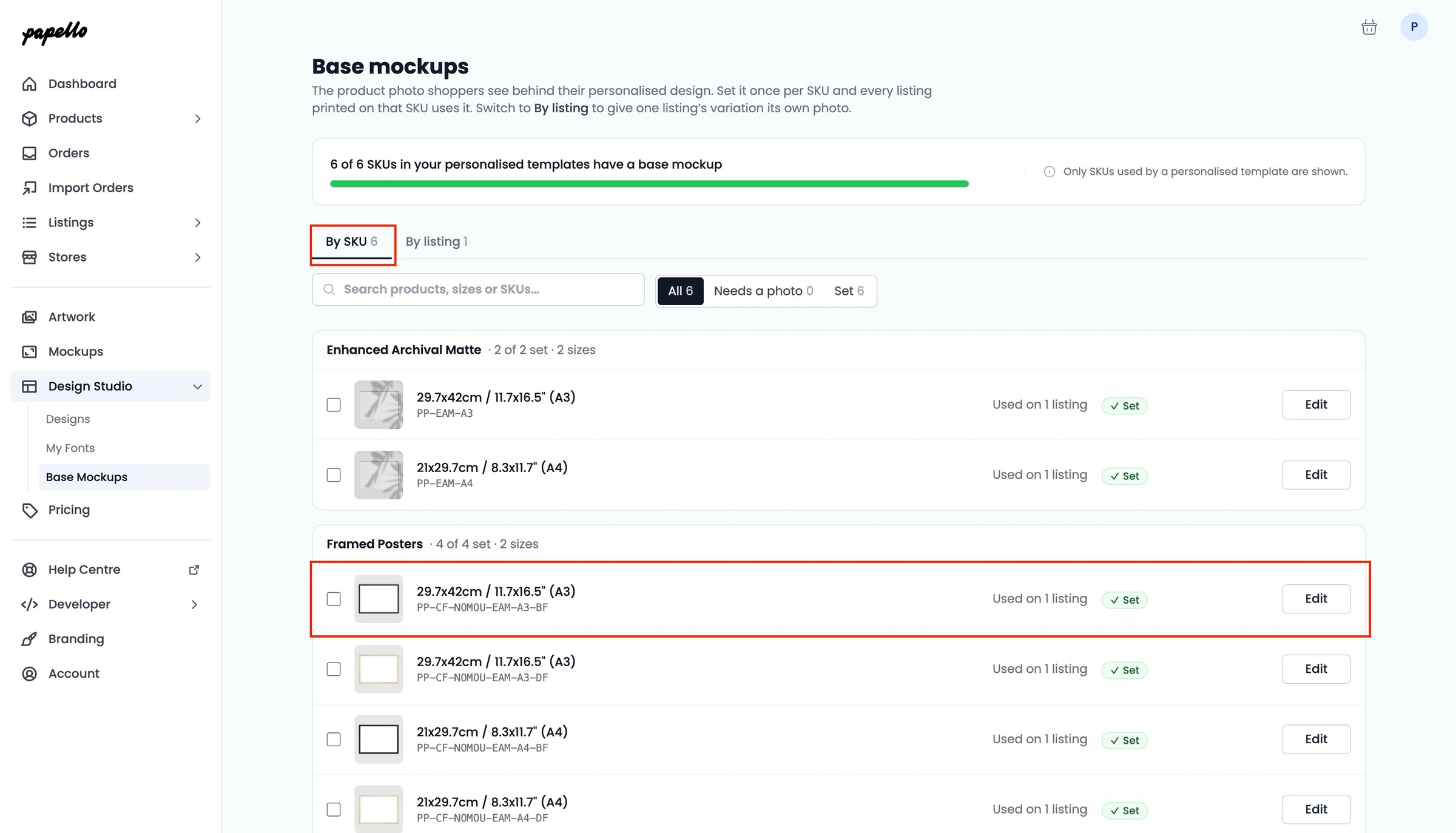
Go to Design Studio → Base Mockups in Papello.
Select Edit next to the relevant SKU or listing.
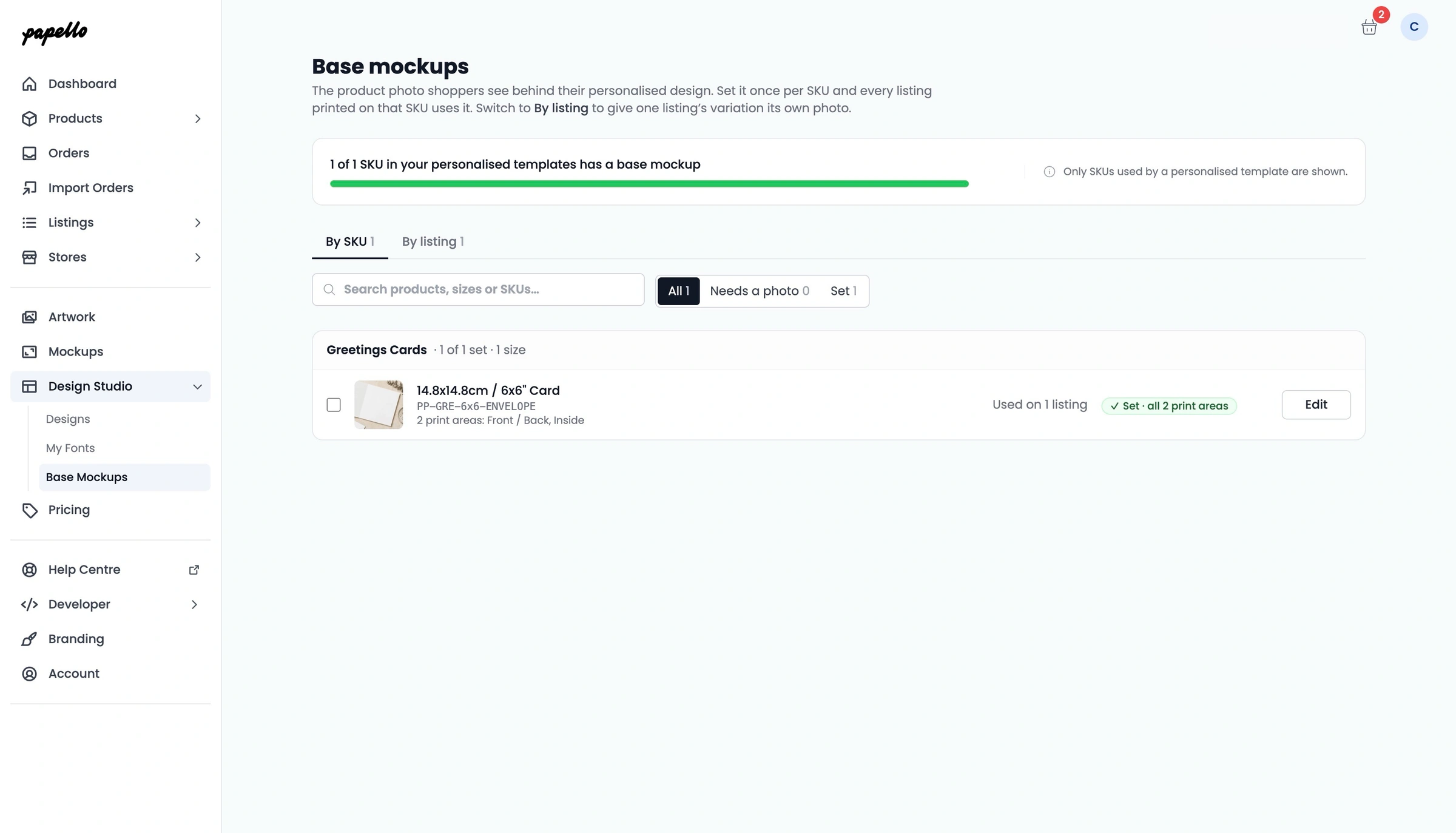
Upload or select a background mockup photo. We provide multiple blank base mockups for most products. However, you can also use your own.
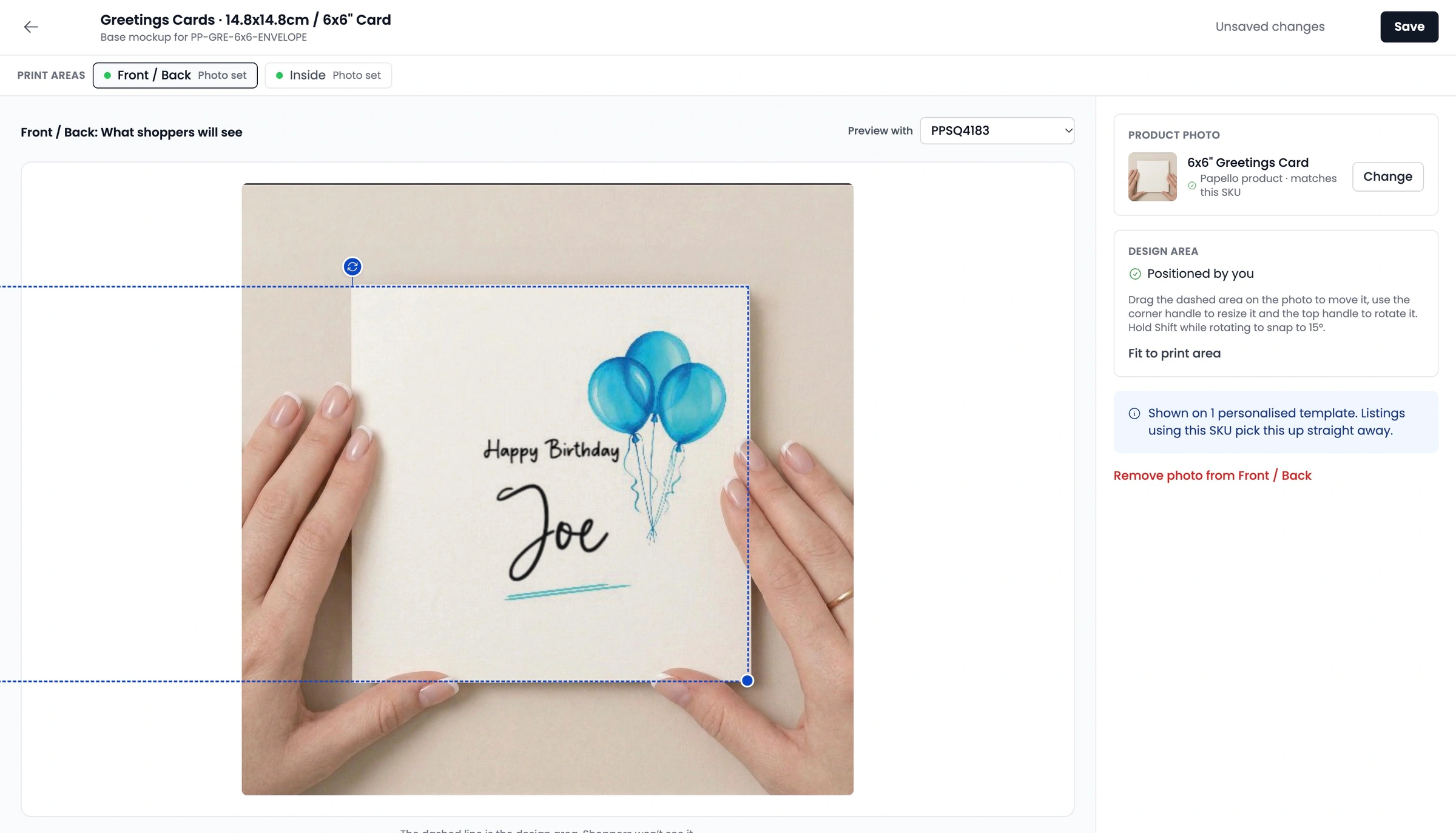
Adjust the bounding box (Design area) over the product surface on the photo, adjusting size and rotation angle to match the perspective.
Click Save.
Changes take effect on your live storefront within one minute.
Adding Base Mockups to an individual listing
When you apply a Base Mockup to a SKU, it is used for every SKU in your store. This is a quick way of adding Base Mockups to multiple listing at once, saving time and having consistency in your store.
For example, you are using an A3 Black Frame with the SKU "PP-CF-NOMOU-EAM-A3-BF" for 10 listings, setting a base mockup will show the mockup frame on every listing.
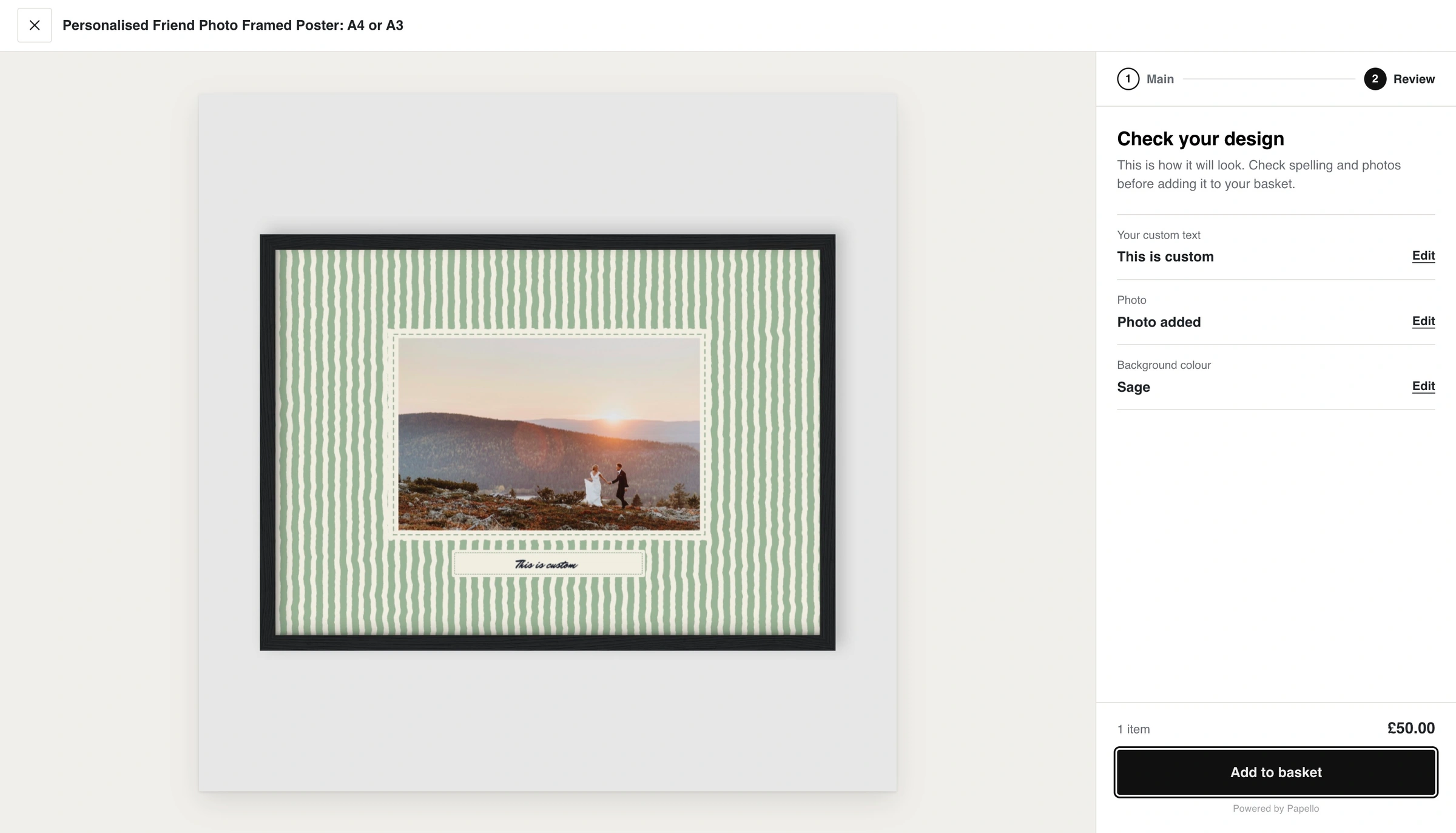
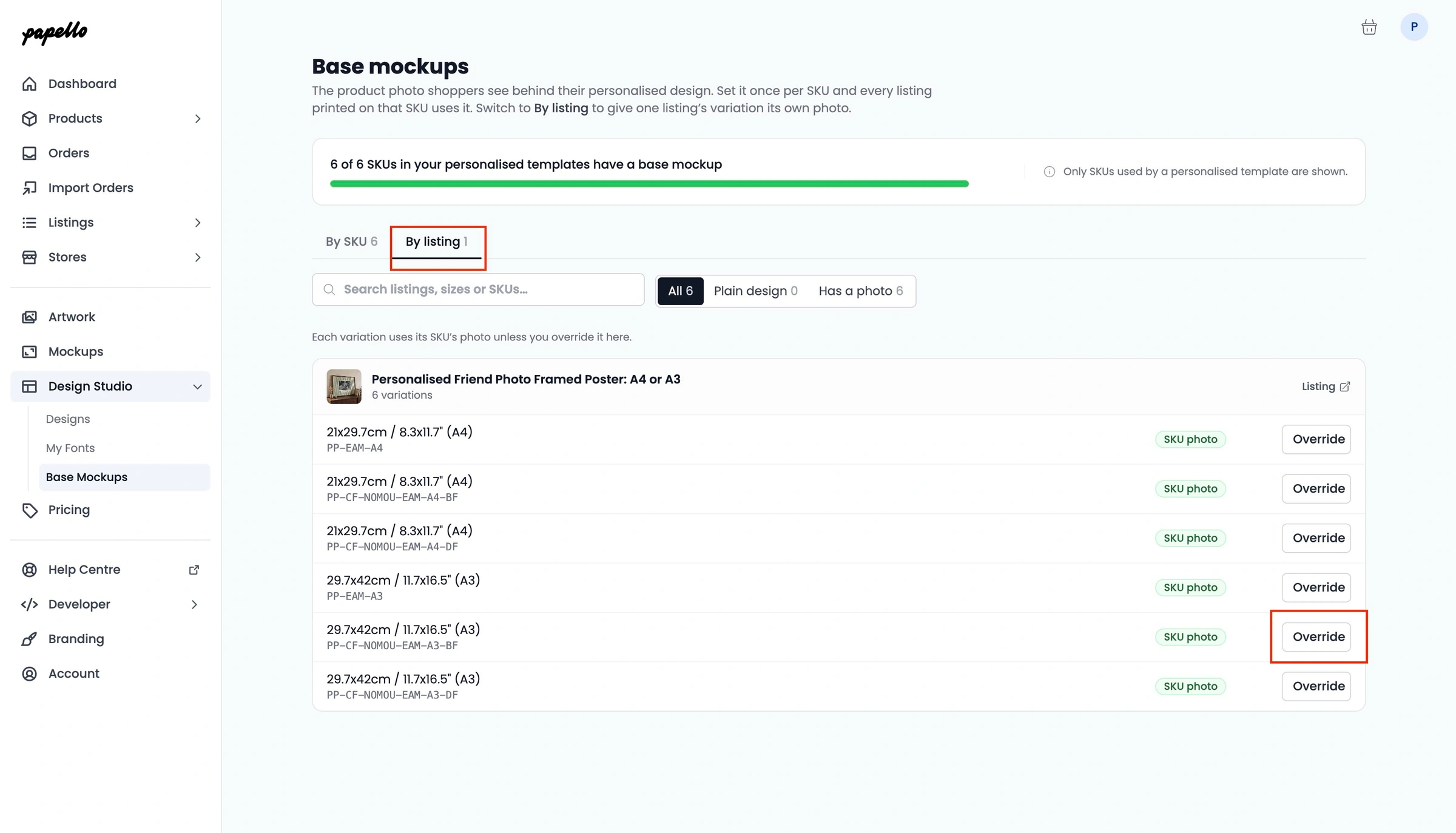
You can however customise this further by setting a base mockup per listing.
Form the base mockups page click on the By Listing tab.
Find the listing and variation that you've like to update
Click on the Overide button
Click on the Change button
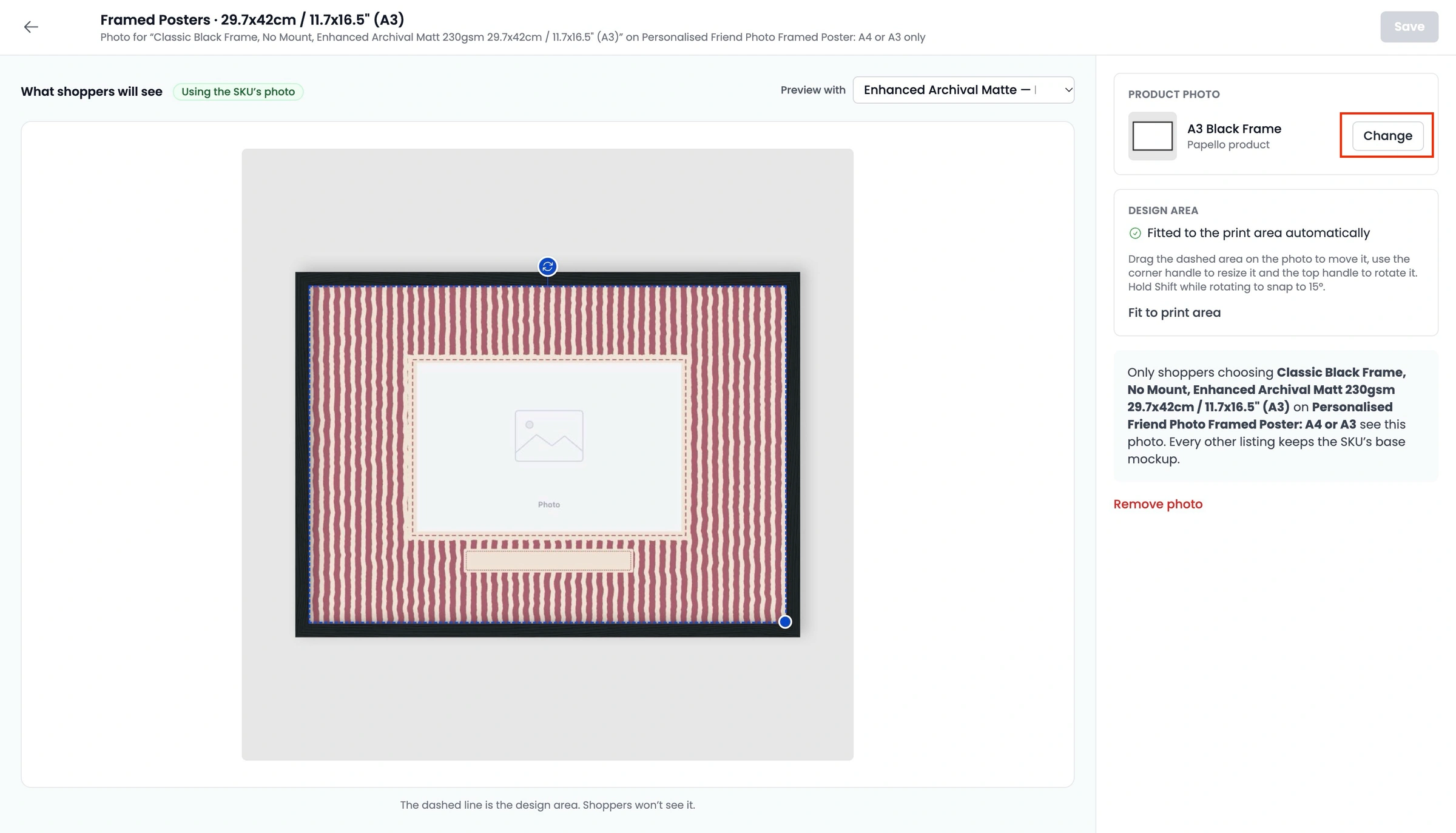
Select or upload a new base mockup and position the template into place. Click Save.
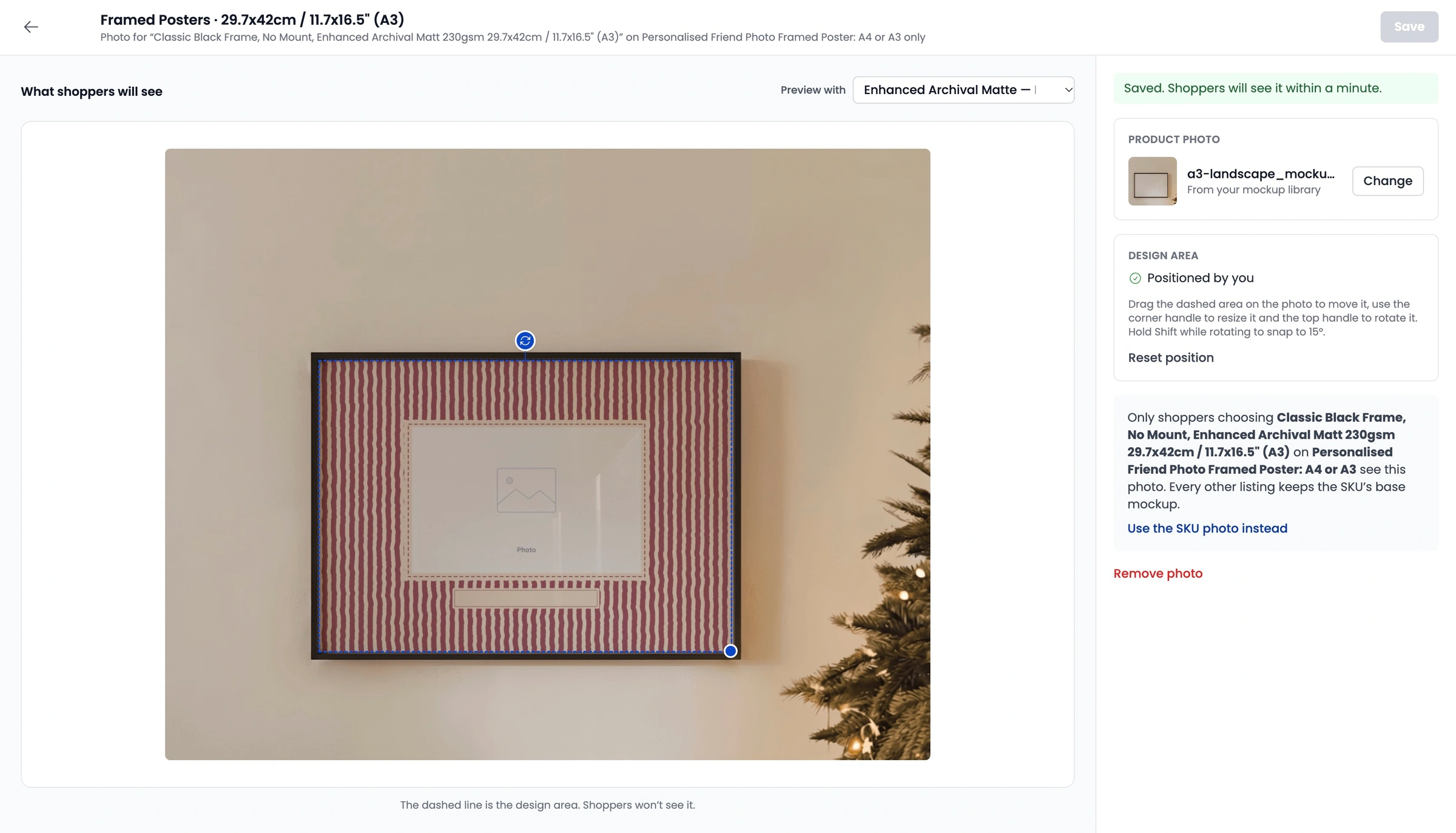
The new base mockup will appear in your Shopify stores customiser within 1 minute for this listings.