
Shopify personalisation allows your customers to customise products - such as adding names, messages, or photo uploads - directly on your product page. Customers can review a live preview before placing their order. Once purchased, Papello automatically generates the print-ready artwork, prints the item, and fulfills the order.
The Journey at a Glance
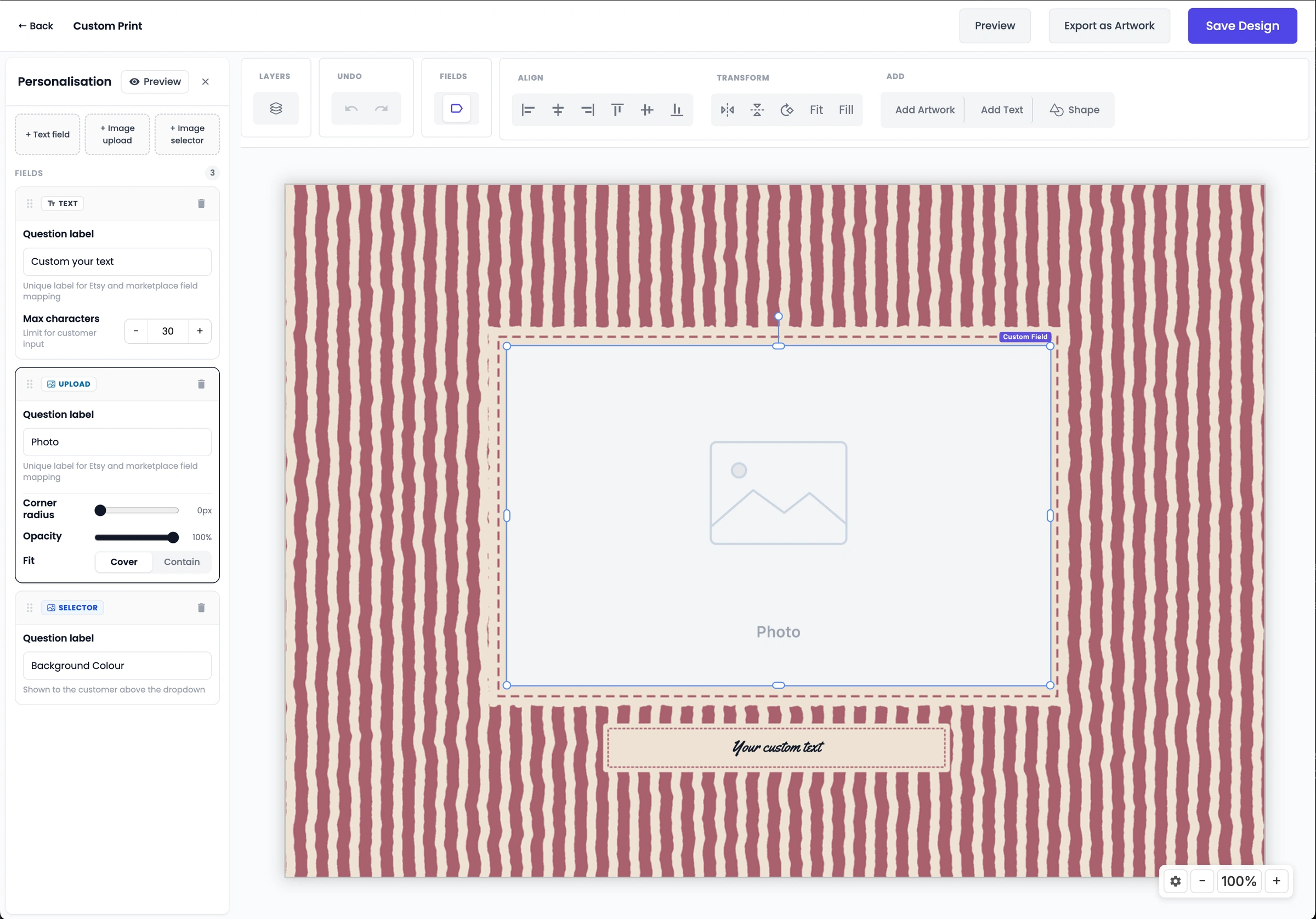
Create a Personalised Design: Build your template in the Papello Design Studio and designate which elements customers can modify (text, photo uploads, or selectable images).
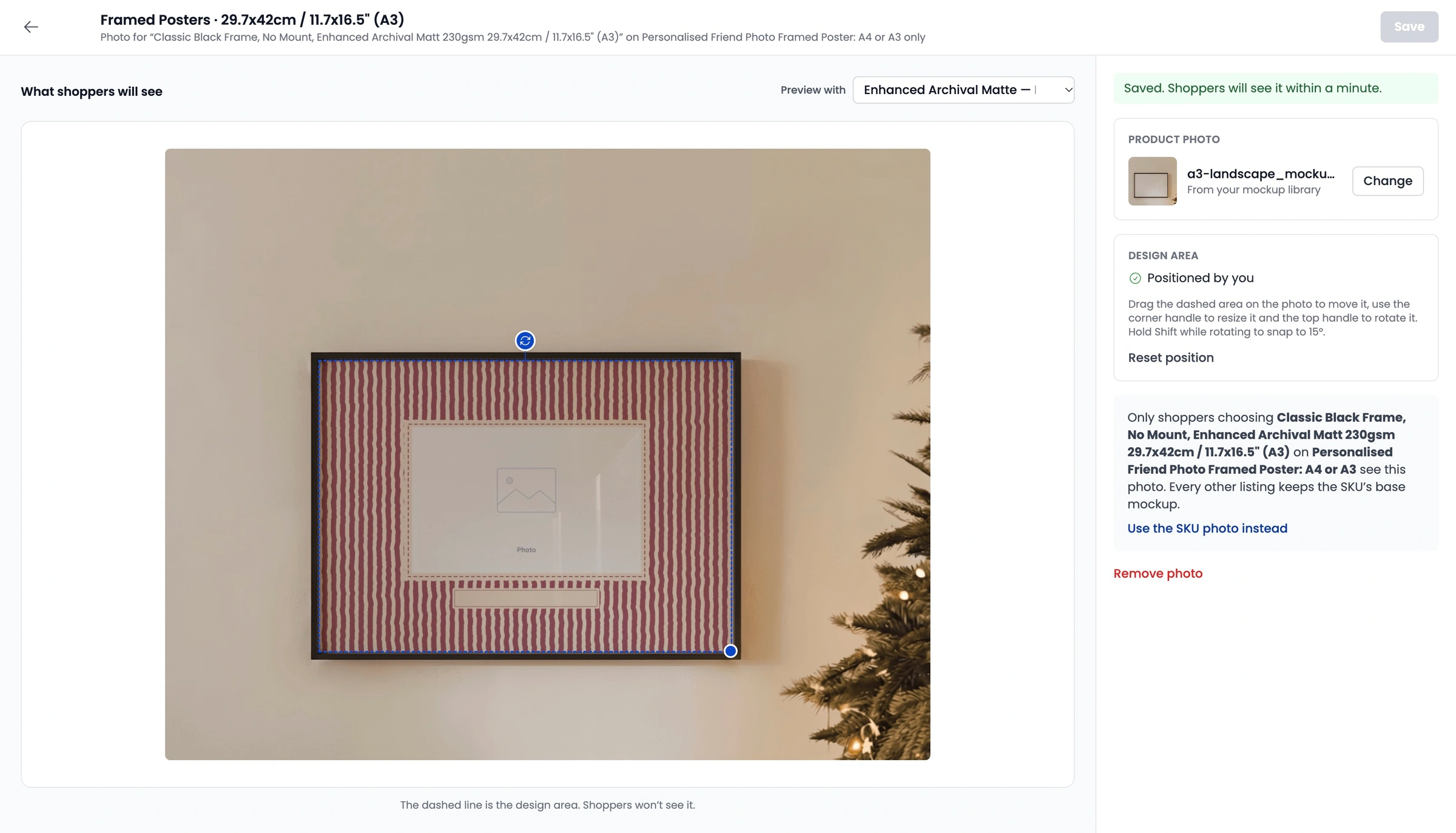
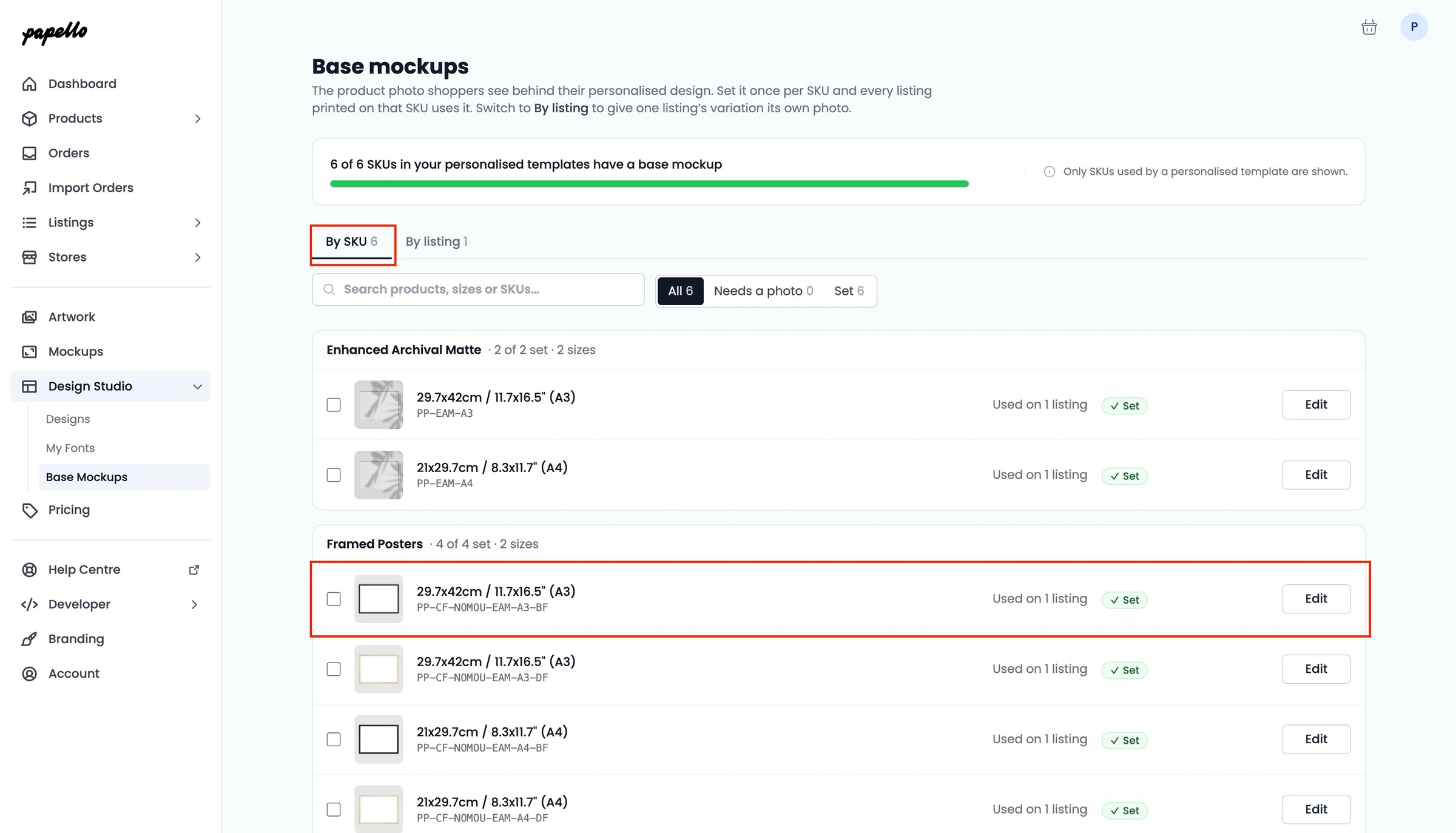
Add a Base Mockup to the matching SKUs. This adds an image underneath your design in the live preview.
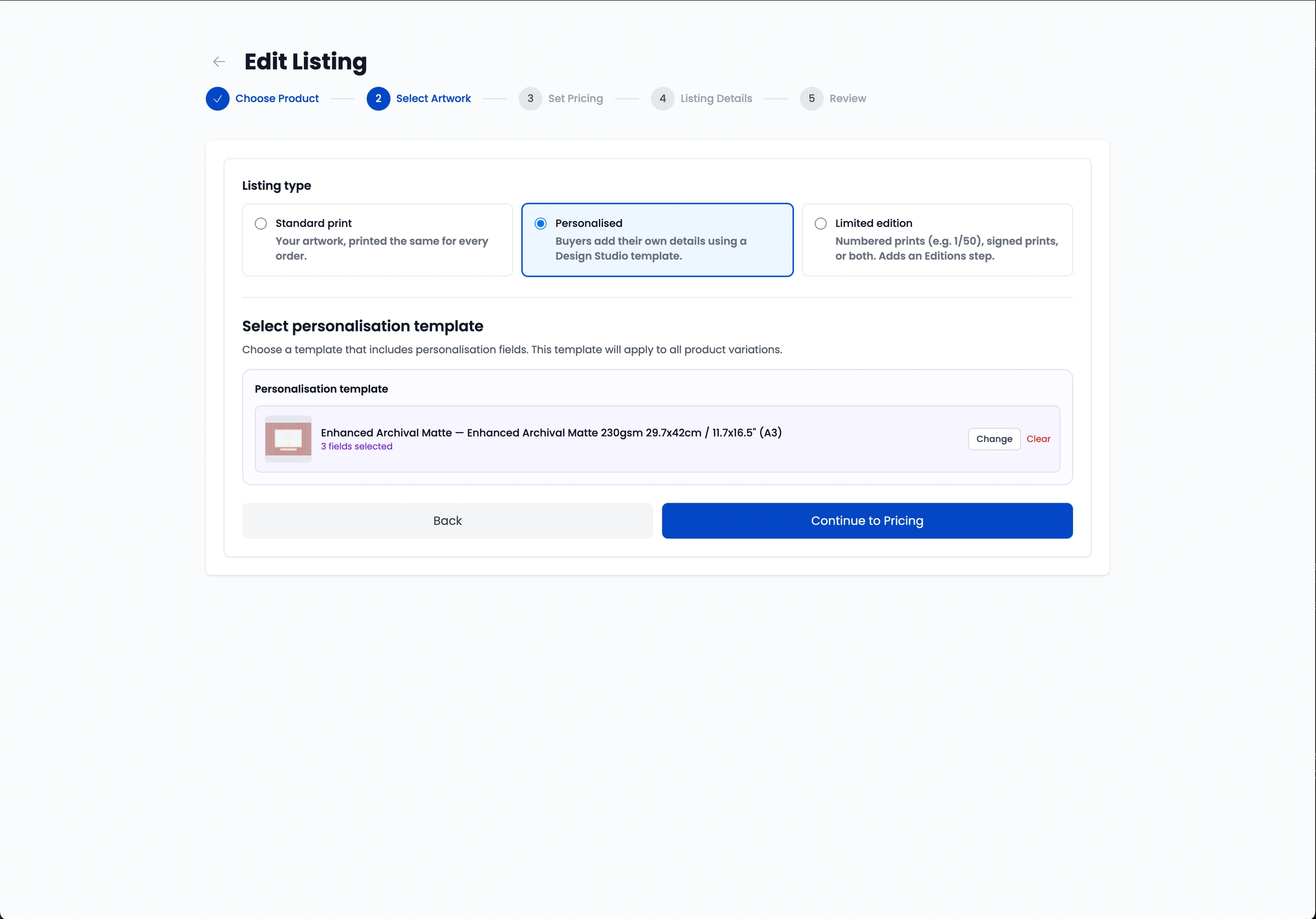
Create and Publish a Listing: Set up a personalised listing on Papello and publish it to your Shopify store.
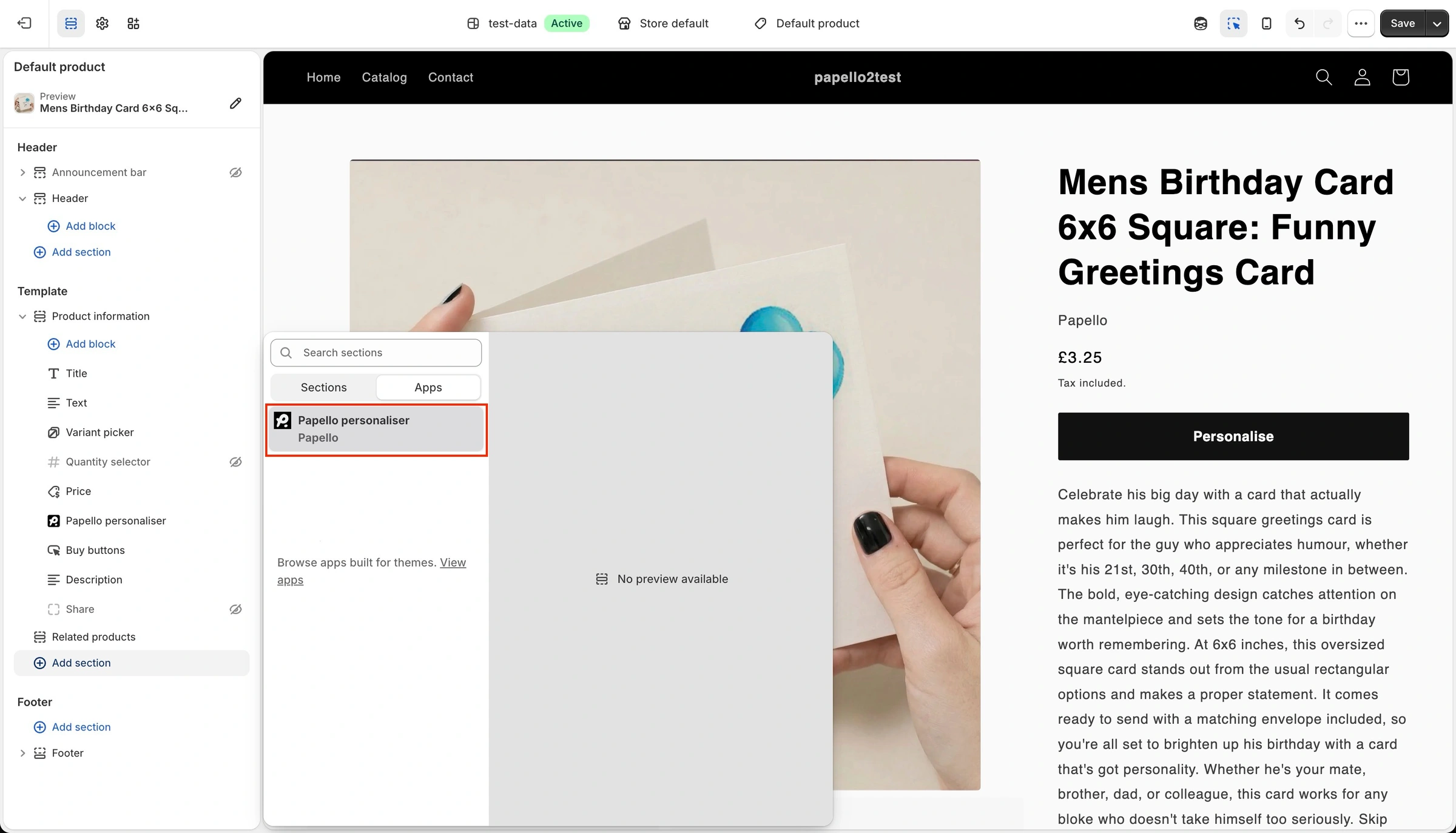
Add the Theme Block: Add the Papello personaliser block to your Shopify theme on to product page, once.
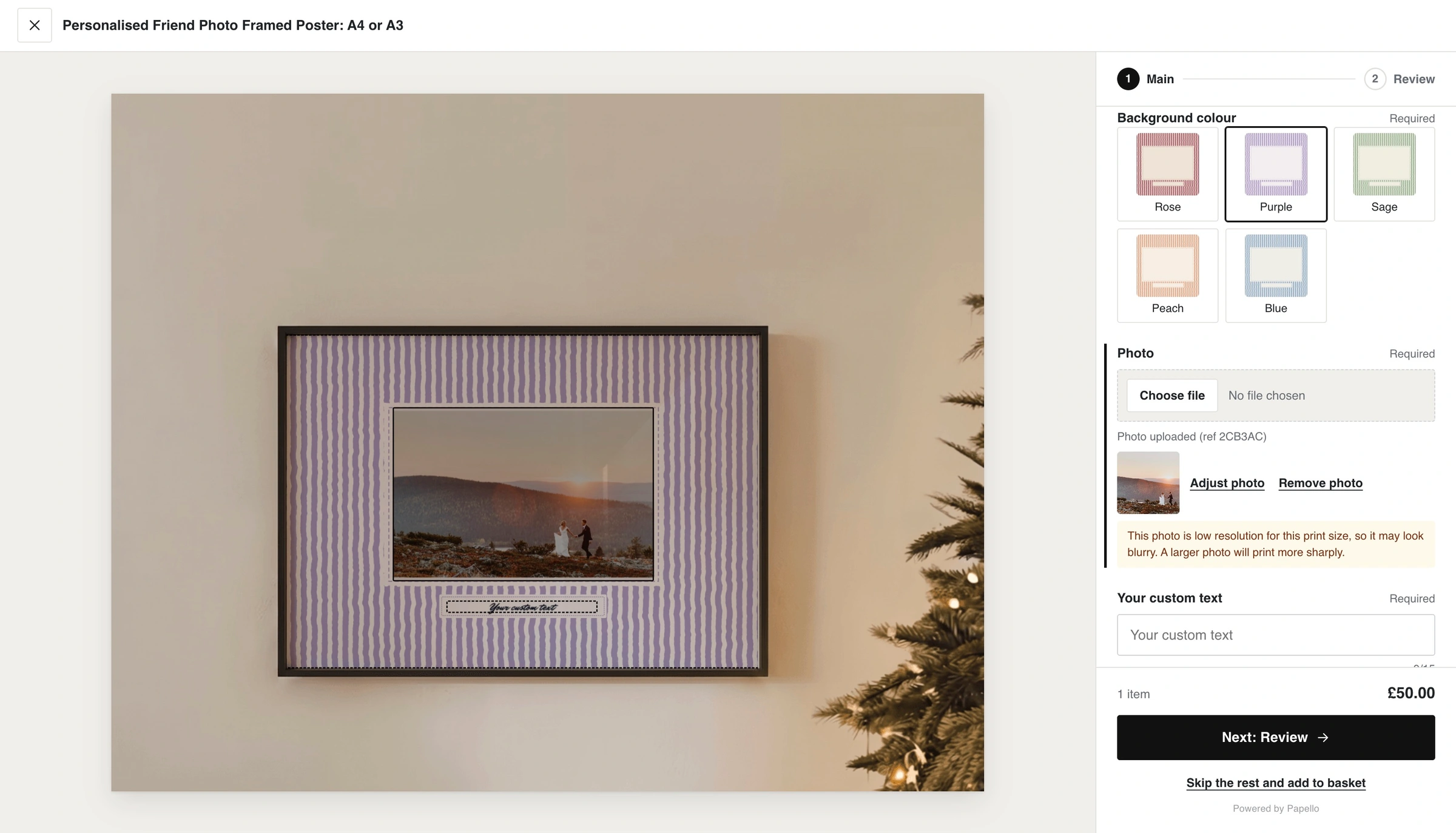
Customer Customises Item: The shopper selects Personalise on your product page, completes the fields, checks the live preview, and adds the item to their cart.
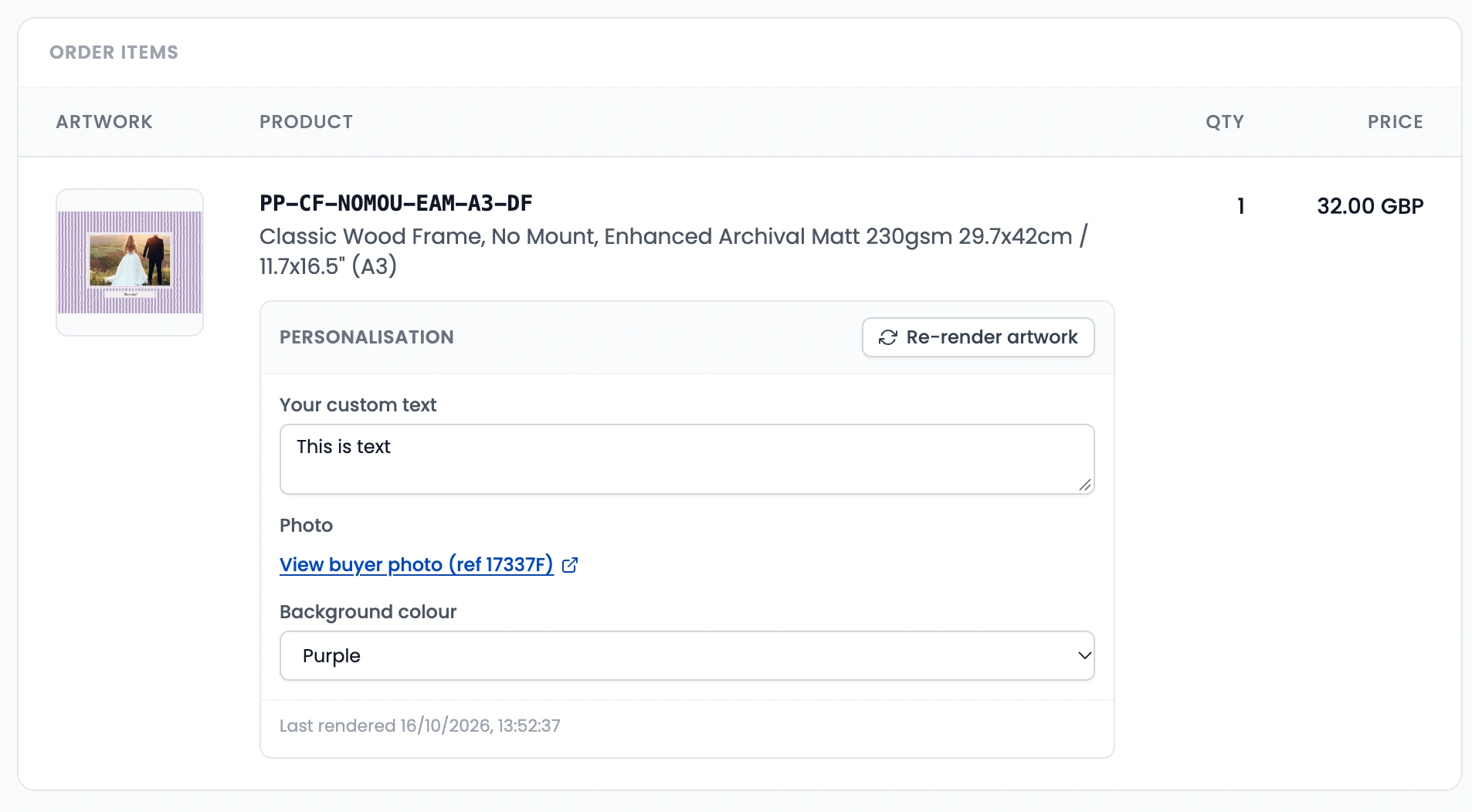
Automated Production & Dispatch: Papello receives the order, renders the final artwork based on the shopper's inputs, and ships the product.
Requirements
A Shopify store linked via the Papello App from the Shopify App Store (see Connect Shopify and Approve Personalisation Permissions).
A Papello design containing at least one active personalisation field.
A Shopify theme supporting Online Store 2.0 app blocks.
Supported Products
Any product in the Papello catalogue can be personalised. For multi-print-area items (such as greetings cards with printed envelopes), each print area functions as a separate step in the customer editor.